YMAP Editor Online: Place Props, Export Lua
Lay props out in 3D round a point on the map and take them out as Lua, JSON or a .ymap, or open and edit existing .ymap files.
Loading Scene Sandbox…
Place props and edit YMAP files online
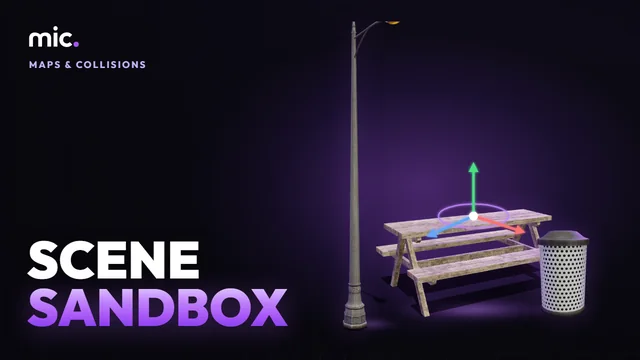
Scene Sandbox lays props out in 3D around a point on the map: drop models or add game props by name, then move, turn, copy or delete them, or type their coordinates.
Take them out as Lua, JSON or a .ymap, or open existing .ymap files to edit, merge or split them, with cars and occluders.
How Scene Sandbox works
- Drop models or add boxes by prop name, or open your .ymap files.
- Pick, move, turn, copy or delete them, or type their numbers.
- Copy the Lua or JSON, or download the .ymap, one or merged.
You get: Lua or JSON of the props, or .ymap files: edited, with cars and occluders, merged or split.
Every tool is free to try: 5 exports a day, files up to 25 MB. The paid plans raise the limits. See the plans.
Questions
- How do I edit a .ymap without CodeWalker?
- Drop it here, pick the props to move or remove, and download the .ymap.
- Can I merge several ymaps?
- Yes, merged into one or split.
- How do I find a prop's name?
- Search it in the Prop Finder.
Guides
In GTA Explorer
- GTA V props and map models: pick the props to place
- GTA V IPLs and map files: the game's .ymap files, to see what they place
- The GTA V map: the spot to build at
Related tools
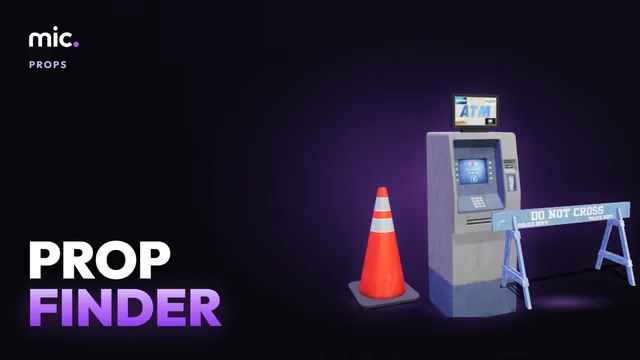 Prop FinderSearch the game's 16,000 props by name or hash: size, LOD, where it is defined, a 3D look and the code to spawn or target it.
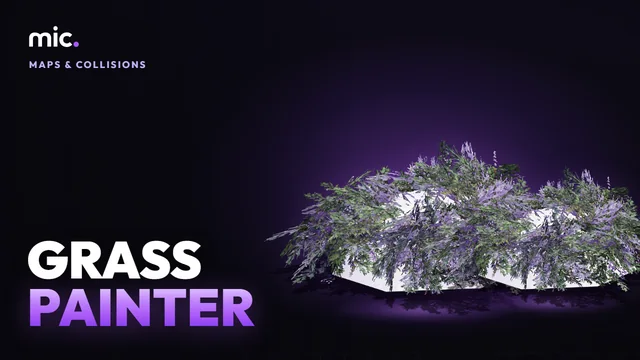 Grass PainterPaint the game's own grass, flowers and stones on a ground in 3D, and get a grass .ymap batched the way the game's are. Or edit an existing one.
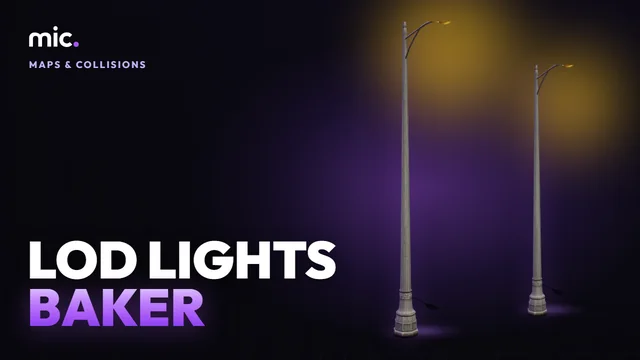 LOD Lights BakerMake your map's lights show from far away at night, like the game's: its lamps and neons baked into the lodlights and distantlights ymaps.
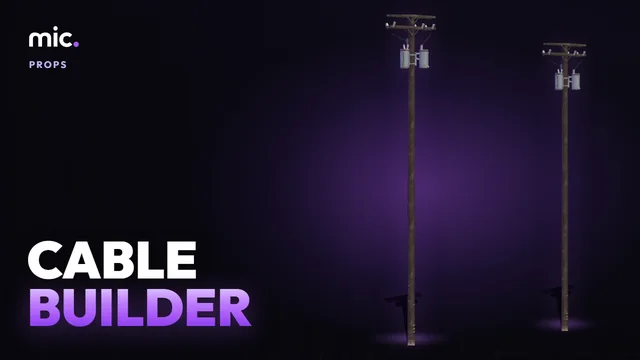 Cable BuilderHang cables between points: power lines, phone lines and string lights that sag and sway in the wind, built with the game's own cable shader.
Other maps & collisions tools: Shell Creator · PvP Map Creator · MLO Creator · Resource Viewer · Collision Studio · Grass Painter · LOD Lights Baker · Navmesh Viewer · Map Conflict Check · Map Merge · Map Mover · Doorlock Config Generator · Menyoo to YMAP · Collision Doctor · Spot & Zone Picker · Map Object Remover · Vinewood Sign Creator