FiveM Coords Picker & PolyZone Creator
Click the map for coordinates with the real ground z from the game's collision, or draw zones for PolyZone, ox_lib, ox_target and qb-target.
Loading Spot & Zone Picker…
FiveM coordinates and zones from the GTA V map
Every script needs coordinates: a shop's counter, a job's blip, a spawn point with its heading, the zone a target or a trigger covers. The usual way is to walk there in game, type /coords, copy the numbers out of the console and guess the zone's corners. Spot & Zone Picker does it on the map, in your browser, with no resource to install.
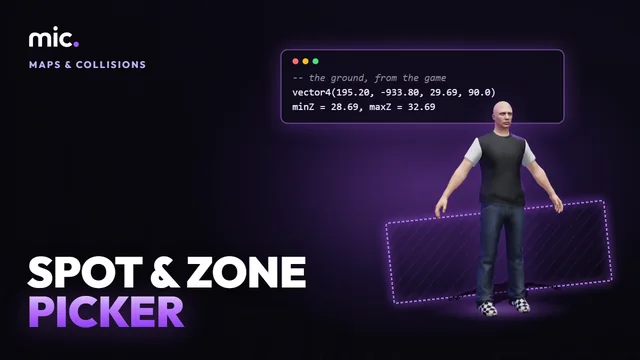
Click the radar map and the spot gets its z from the game's own collision, read on the tools server: not a guess from a picture, but the ground under the feet, on every storey there is (a bridge over a road, a roof, the floors of a game interior), so you pick the one you mean. The 3D view shows the collision round the spot, so you can click a balcony or a room inside a building. Draw a polygon, a box or a circle and its minZ and maxZ come from the floor under it, then copy it for PolyZone, ox_lib, ox_target or qb-target.
How Spot & Zone Picker works
- Find a place, or paste coordinates or zone code.
- Click the map or the 3D view for spots, or draw a polygon, box or circle.
- Pick the floor, then copy it in the format your script uses.
You get: vector3 and vector4 coordinates, and zones as PolyZone, ox_lib, ox_target, qb-target, Lua or JSON.
Every tool is free to try: 5 exports a day, files up to 25 MB. The paid plans raise the limits. See the plans.
Questions
- How do I get coordinates in FiveM without going in game?
- Find the place by its street or area name, click it on the map and copy it as vector3, vector4 (with the heading) or a Lua table. The z is the ground there, read from the game's collision.
- How do I make a PolyZone?
- Pick Polygon, click each corner on the map and click the first one again to close it. Its minZ and maxZ come from the floor under it; copy it as PolyZone:Create, lib.zones.poly, ox_target's addPolyZone or qb-target's AddPolyZone.
- What is the heading in a vector4?
- The way the spot faces, in degrees from north, counter-clockwise, as GetEntityHeading gives it: 90 is west, 180 south, 270 east. Drag the spot's arrow to set it.
- Why is my ped in the floor or floating?
- A z that was guessed, or taken from GetEntityCoords, which is about a metre over the ground. The z here is the ground itself; the Advanced options add a height to every spot if your script wants a ped's coordinates.
- Does it work in interiors and under bridges?
- Yes for the game's own: every floor over the point is listed, the game's interiors (houses, shops, stations) with their own collision, so pick the storey you want. Custom MLOs from your server are not in the game's files; open them in Resource Viewer instead.
- Can I edit zones I already have?
- Paste the code (PolyZone, BoxZone, CircleZone, lib.zones, ox_target, qb-target) or a list of vector3s into the search box and they show on the map, ready to move and copy again.
- Is it free?
- Yes, with no sign-in: nothing is downloaded, only copied.
In GTA Explorer
- The GTA V map: the map with its interiors, railways and water
- GTA V interiors: the game's interiors, to find one by name
Related tools
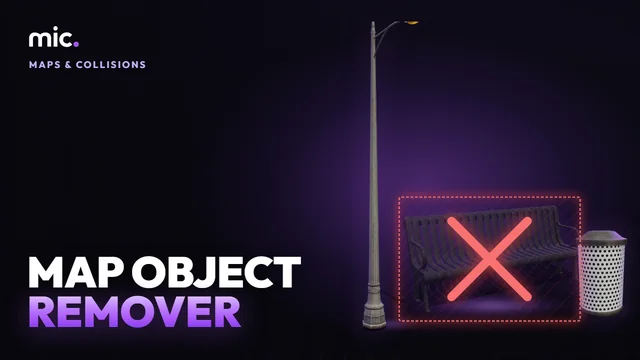 Map Object RemoverClear the game's own benches, bins, lamps, fences and trees from a spot, or a model everywhere, with a small FiveM resource that hides them.
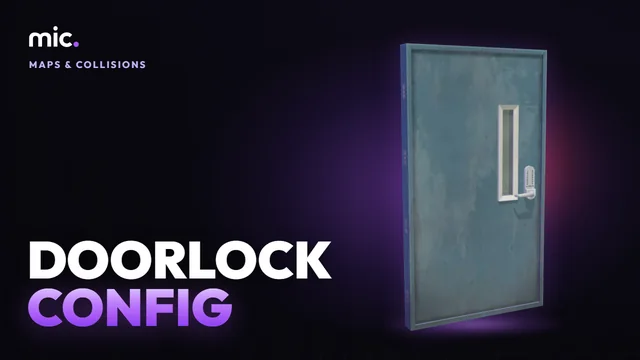 Doorlock Config GeneratorDrop an MLO or map resource: every door it places, with its model, coordinates and heading, double doors paired, as ox_doorlock or qb-doorlock config.
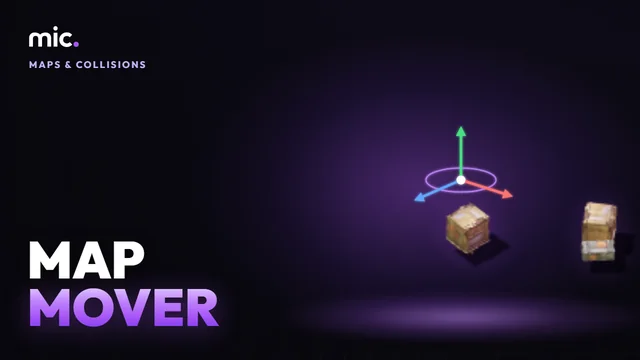 Map MoverMove a map or MLO to another place and turn it to any heading: its .ymap, collisions, interiors, LOD lights, grass, car generators and roads stay together, checked file by file.
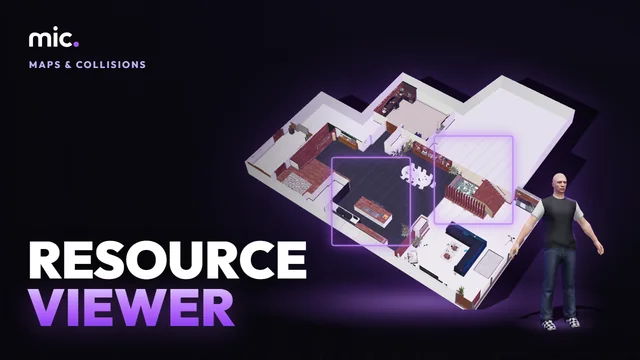 Resource ViewerSee a FiveM map or MLO resource in 3D as the game places it, without starting GTA: its interior, props, collision, portals, lights and doors, and walk it.