FiveM Map Object Remover: Hide GTA Props
Clear the game's own benches, bins, lamps, fences and trees from a spot, or a model everywhere, with a small FiveM resource that hides them.
Loading Map Object Remover…
Remove GTA V map objects in FiveM
An MLO or a custom map often lands where the game already has a bench, a bin, a lamp post or a tree, and they poke through the new floor. Removing them by editing the game's .ymap means streaming a copy of it, which clashes with every other resource that does the same.
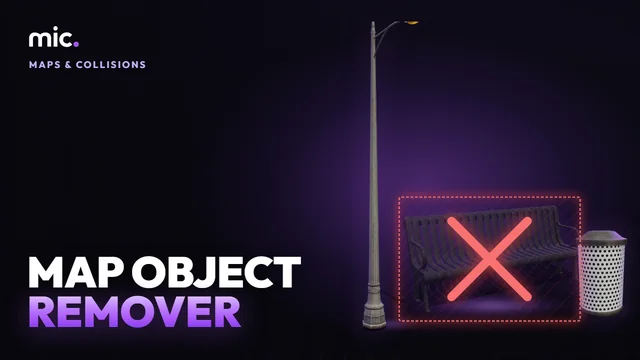
Map Object Remover finds the game's own objects round a spot (from every entity of the game's .ymap files) or every place a model is put, and makes a small resource whose client script hides the ones you tick, where they are, with CreateModelHideExcludingScriptObjects. Objects with a far-away model of their own get it hidden too.
How Map Object Remover works
- Type a spot (x, y, z) and how far round it, or a model name.
- Tick the game objects to hide, on the list or the sketch.
- Name the resource and download it.
You get: A FiveM resource with the client script that hides them, and a CSV of what it hides.
Every tool is free to try: 5 exports a day, files up to 25 MB. The paid plans raise the limits. See the plans.
Questions
- How do I remove a GTA prop from the map in FiveM?
- Type the spot (use /coords in game) and how far round it, tick the objects and download the resource. Ensure it and they are gone for every player.
- Does it remove the collision too?
- A prop's collision goes with it. A building's is part of the area's collision file and stays, so a hidden building leaves an invisible wall: MLO Creator takes a game house out with its collision.
- Can I remove one model everywhere?
- Yes: type its name and every place it is put comes up, nearest to your spot first. Tick the ones to hide.
- Will it hide objects my scripts spawn?
- No. Only the map's own objects are hidden; the ones a script creates stay.
- How do I get the spot?
- Any x, y, z works: from /coords, a vector3 in a script, or a map in Map Mover.
In GTA Explorer
- The GTA V map: find the spot on the map and its coordinates
- GTA V props and map models: the game's props by name
Related tools
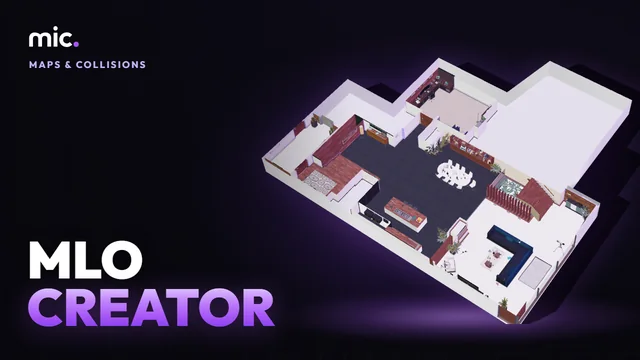 MLO CreatorTurn a house model into a real interior (MLO): drop it, its inside is made for you, add storeys, rooms, doors and windows, and it is still seen from outside.
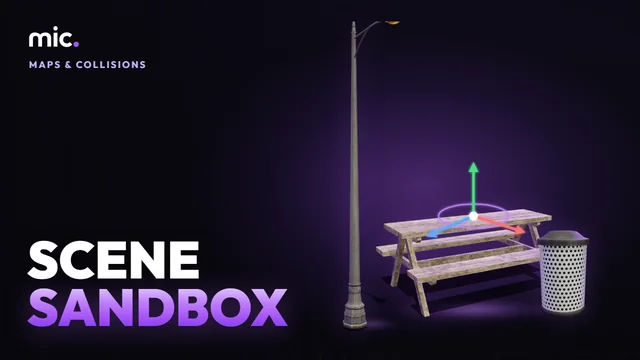 Scene SandboxLay props out in 3D round a point on the map and take them out as Lua, JSON or a .ymap, or open and edit existing .ymap files.
 Map Conflict CheckDrop your resources folder: the map resources that clash, with the game or each other. Same map replaced twice, overlapping MLOs, archetypes defined twice, collisions cut into each other.
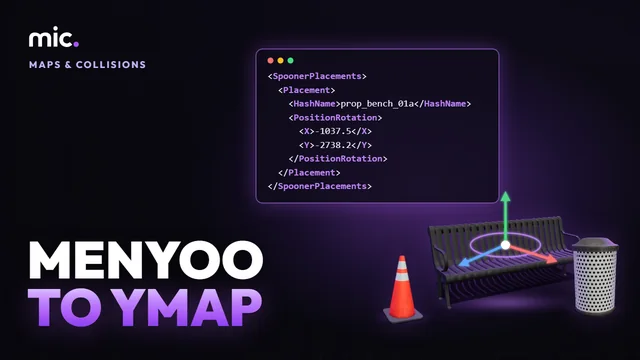 Menyoo to YMAPTurn a map built in single player with Menyoo or Map Editor (.xml) into a FiveM resource: its props in a .ymap, its vehicles as car generators, removed game objects hidden.