FiveM Map Mover: Move and Rotate a YMAP or MLO
Move a map or MLO to another place and turn it to any heading: its .ymap, collisions, interiors, LOD lights, grass, car generators and roads stay together, checked file by file.
Loading Map Mover…
Move and rotate a FiveM map or MLO to another place
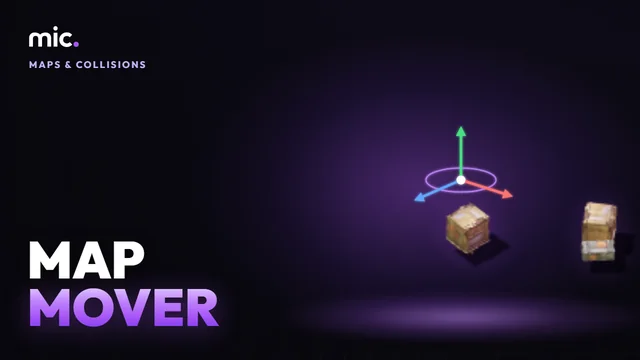
Map Mover moves a whole map or MLO resource to another spot and turns it to any heading. Its .ymap entities and interiors, the static .ybn collision (every corner moved and its BVH built again), car generators, occluders, grass, time cycle boxes, LOD lights (their hashes worked out again for the moved props) and its own traffic paths all move together, round one pivot.
Drop the resource folder or its .zip, drag it on the 3D view or type a vector4, and see it over the game's ground there. Every moved file is read back and checked before you download. What cannot move, like a navmesh or water, is listed plainly. The desktop movers only offset a map; here it turns too.
How Map Mover works
- Drop the map's resource folder or its .zip.
- Drag it to the new place in 3D, or type a vector4, and turn it.
- Download the moved resource and put it in place of the old one.
You get: The same FiveM resource moved and turned, with a report of what moved, what was checked and what can't move.
Every tool is free to try: 5 exports a day, files up to 25 MB. The paid plans raise the limits. See the plans.
Questions
- How do I move an MLO to another location in FiveM?
- Drop its resource here, set the new place and heading and download it. Only the interior's instance in the .ymap moves: its rooms, portals and own collision are in its own space and go with it.
- Can I rotate a ymap and its ybn collision?
- Yes. Entities, interiors and car generators turn round the pivot, and the collision's corners turn with them; its BVH is built again so nothing falls through.
- Why do my door scripts point to the old place?
- Coordinates in scripts are your own. Tick "move the coordinates in your scripts" and the vector3 and vector4 numbers inside the map's area move too, with their headings.
- Two MLOs are at the same spot, what now?
- Find them with Map Conflict Check, then move one of them here.
- Does the navmesh move too?
- No. Navmeshes cannot be made again here, so peds use the game's navmesh at the new place. See it in the Navmesh Viewer.
In GTA Explorer
- The GTA V map: find the new place for your map
- GTA V interiors: the game's interiors the new place must not overlap
- GTA V zones and streets: the zone and street names there
Related tools
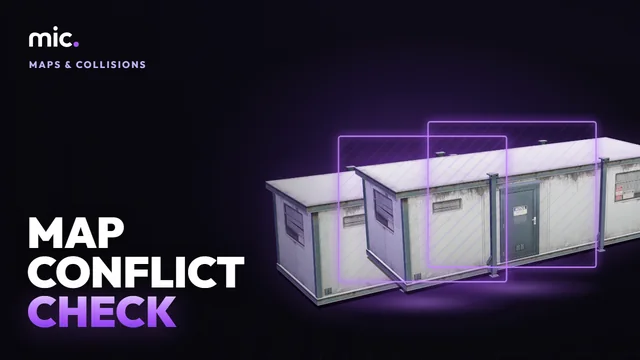 Map Conflict CheckDrop your resources folder: the map resources that clash, with the game or each other. Same map replaced twice, overlapping MLOs, archetypes defined twice, collisions cut into each other.
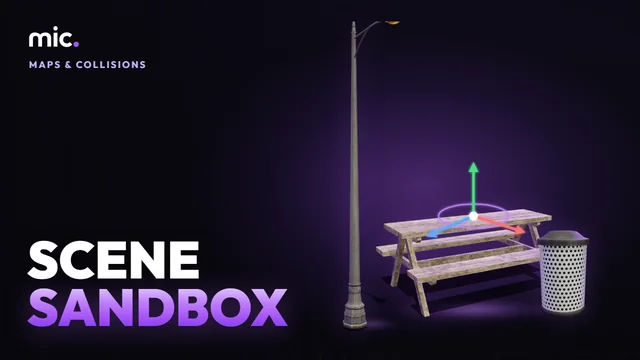 Scene SandboxLay props out in 3D round a point on the map and take them out as Lua, JSON or a .ymap, or open and edit existing .ymap files.
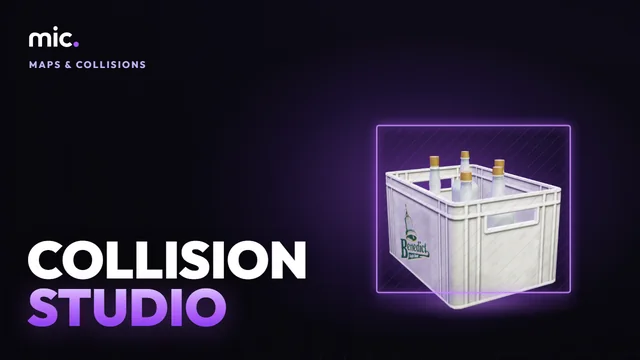 Collision StudioTurn a GLB into a map collision (.ybn): a game surface and flags for each of its materials, placed on the map, drawn back over the model.
 LOD Lights BakerMake your map's lights show from far away at night, like the game's: its lamps and neons baked into the lodlights and distantlights ymaps.