GLB to YBN: FiveM Map Collision Maker
Turn a GLB into a map collision (.ybn): a game surface and flags for each of its materials, placed on the map, drawn back over the model.
Loading Collision Studio…
GLB to YBN: map collision for FiveM
Collision Studio turns a low-poly .glb of your map or MLO into a .ybn map collision. Give each material a game surface (asphalt, grass, wood, metal…) and flags, set where it goes on the map, and see the collision drawn back over the model.
Put the .ybn in your stream folder next to the map.
How Collision Studio works
- Drop a low-poly .glb of your map or MLO.
- Pick a game surface and flags for each of its materials.
- Set where it goes on the map and download the .ybn.
You get: A .ybn map collision for your stream folder, checked over the model.
Every tool is free to try: 5 exports a day, files up to 25 MB. The paid plans raise the limits. See the plans.
Questions
- How do I make a .ybn collision?
- Model a simplified version of your map, export it as .glb, set the surfaces and download the .ybn.
- Why do players fall through my map?
- It has no collision, or the .ybn is not where the model is. Check it over the model here.
- What about a single prop?
- Use the Prop Collision Editor.
In GTA Explorer
- The GTA V map: find the spot on the map for your collision
- GTA V zones and streets: the zone and street names around it
Related tools
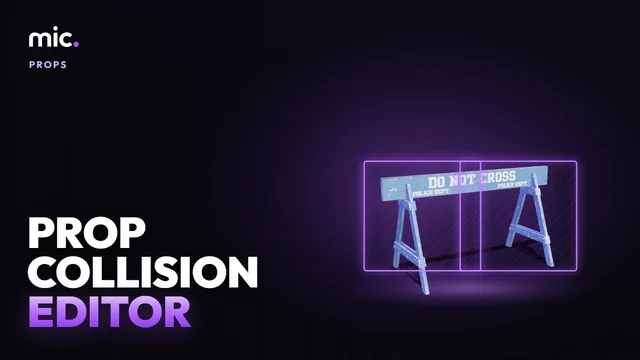 Prop Collision EditorShape a prop's collision by hand: boxes, spheres, capsules and cylinders placed over the model, each with its surface and flags.
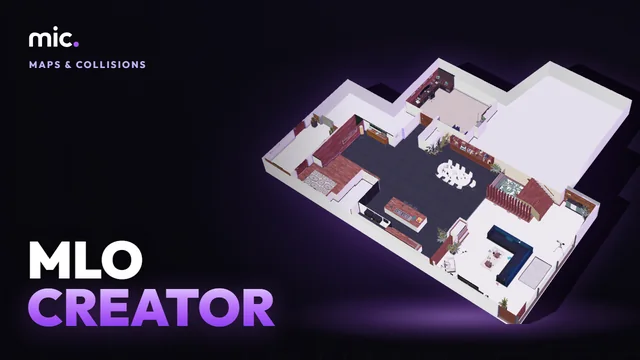 MLO CreatorTurn a house model into a real interior (MLO): drop it, its inside is made for you, add storeys, rooms, doors and windows, and it is still seen from outside.
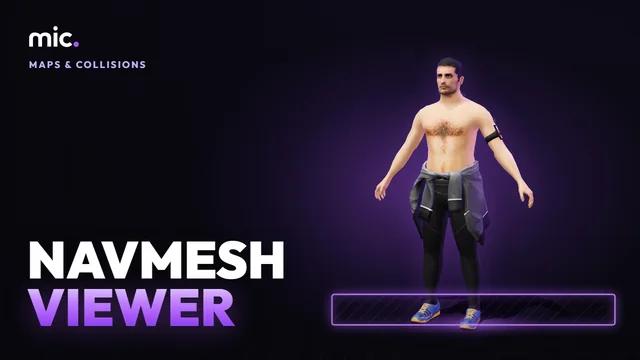 Navmesh ViewerSee where peds can walk: a navmesh (.ynv) in 3D by its flags, with links, islands peds can't reach, and holes. A viewer, not a generator.
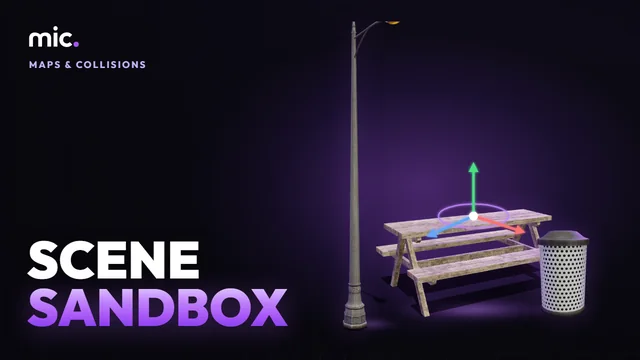 Scene SandboxLay props out in 3D round a point on the map and take them out as Lua, JSON or a .ymap, or open and edit existing .ymap files.
Other maps & collisions tools: Shell Creator · PvP Map Creator · MLO Creator · Resource Viewer · Scene Sandbox · Grass Painter · LOD Lights Baker · Navmesh Viewer · Map Conflict Check · Map Merge · Map Mover · Doorlock Config Generator · Menyoo to YMAP · Collision Doctor · Spot & Zone Picker · Map Object Remover · Vinewood Sign Creator