Fix FiveM "Physics validation failed" errors
Find the collision FiveM calls INVALID ("Physics validation failed for asset") and fixes on every load, in .ybn, .ydr and .yft files, and get it mended.
Loading Collision Doctor…
Fix "Physics validation failed for asset" in FiveM
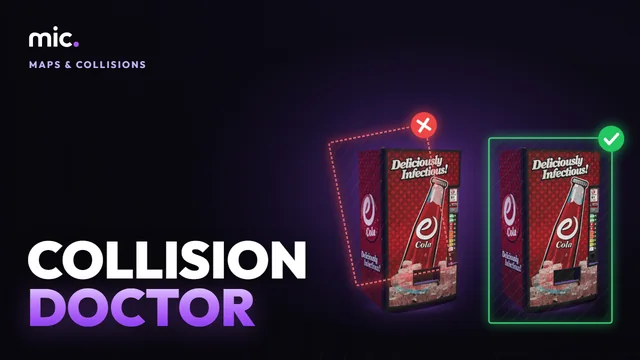
FiveM checks the collision of every custom streamed asset as it loads. When a .ybn, or a model's own collision, has polygon neighbours pointing at triangles or corners that don't exist, or an octant map with an empty octant, the console says "Physics validation failed for asset … This asset is INVALID, but we've fixed it for this load" and FiveM mends it again on every load.
Collision Doctor runs the same check on a whole resource and says which files fail it and why. The download mends them for good: every triangle's neighbours worked out again from the corners they share, octant maps made again. The same triangles stay at the same places, and each mended file is read back and checked again before you get it.
How Collision Doctor works
- Drop your resource folder or its .zip.
- See which collision files FiveM fixes on load, and why.
- Download the mended files and put them in place of the old ones.
You get: The same files, same names, with their collision mended and checked as FiveM checks it.
Every tool is free to try: 5 exports a day, files up to 25 MB. The paid plans raise the limits. See the plans.
Questions
- What does "Physics validation failed for asset" mean?
- The collision in that file was exported with broken data, most often wrong polygon neighbours. FiveM fixes it each time the asset loads, which costs time and fills the console. Mend the file once here and the message goes.
- Which files does it check?
- Map collision (.ybn) and the collision inside models: .ydr props, .ydd drawables and .yft vehicles and fragments. Drop the whole resource or its .zip; only those files are sent.
- Does it change my collision?
- No shape changes: the same triangles with the same surfaces stay where they were. Only the neighbour links and octant maps the game reads are written again, as CodeWalker writes them.
- Why can't some files be read?
- Escrowed (encrypted) files can't be opened by anyone but their seller, and Enhanced edition (gen9) files need converting back to Legacy first.
- What about other collision problems?
- Triangles with no area and polygons with neighbours that don't share their side are shown as warnings. To see a collision over its model, use the YBN Viewer; to make one, Collision Studio.
In GTA Explorer
- The GTA V map: the spot on the map a .ybn covers
Related tools
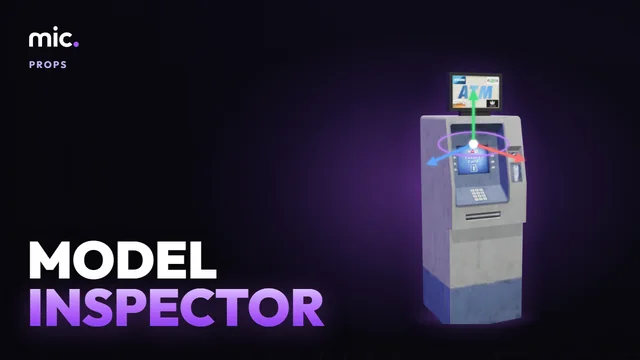 Model InspectorOpen .ydr, .yft and .ydd files in 3D: their models, shaders, textures and collision, and the textures they miss. Download them as GLB.
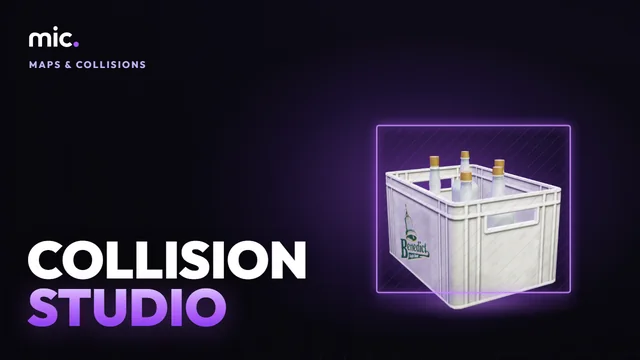 Collision StudioTurn a GLB into a map collision (.ybn): a game surface and flags for each of its materials, placed on the map, drawn back over the model.
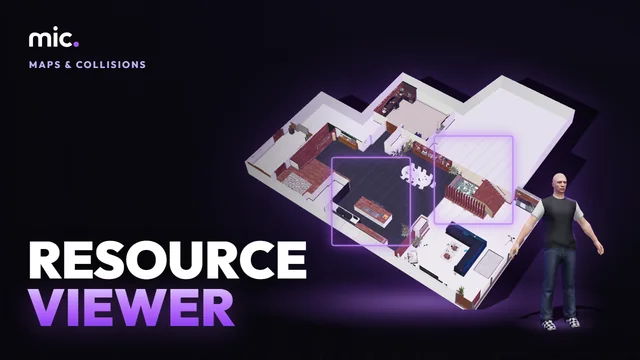 Resource ViewerSee a FiveM map or MLO resource in 3D as the game places it, without starting GTA: its interior, props, collision, portals, lights and doors, and walk it.
 Map Conflict CheckDrop your resources folder: the map resources that clash, with the game or each other. Same map replaced twice, overlapping MLOs, archetypes defined twice, collisions cut into each other.