FiveM MLO Viewer: Test a Map Without GTA
See a FiveM map or MLO resource in 3D as the game places it, without starting GTA: its interior, props, collision, portals, lights and doors, and walk it.
Loading Resource Viewer…
See a FiveM MLO or map resource in 3D, without starting GTA
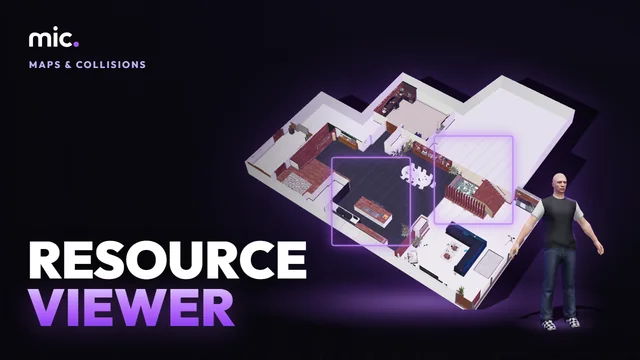
Resource Viewer opens a FiveM resource (its .zip or its folder) and draws it the way the game places it: the .ymap entities with their .ytyp archetypes, an interior (MLO) with its rooms, portals, entity sets and lights, its exterior, the game props it uses, and its own models with its own textures.
Turn on its collision (coloured by surface), the game's collision round it, the portals and their flags, the lights, the doors and the settings of its scripts, then walk it in first or third person on its collision to feel the doorways, stairs and pavement. Its checks say what would go wrong in game.
How Resource Viewer works
- Drop your resource: its .zip or its folder, an MLO Creator download too.
- Show its collision, portals, rooms, lights and entity sets, and walk it.
- Read its checks, then run the full checks on the tools server.
You get: Free: a 3D look and a walk through the resource, and a report of what would go wrong in game.
Every tool is free to try: 5 exports a day, files up to 25 MB. The paid plans raise the limits. See the plans.
Questions
- How do I test an MLO without starting GTA?
- Drop the resource here: it is drawn as the game places it, and you can walk it on its collision. The tools server also runs its mlowalk check on it.
- Why do I fall through the floor of my MLO?
- Turn on Collision and walk it: a missing floor, or a hole in the copied map collision round it, shows as a fall. Make the interior with the MLO Creator.
- Can I see what I just made in MLO Creator?
- Yes: step 5 has "Preview the download", which opens the zip here without dropping it again.
In GTA Explorer
- GTA V interiors: the game's own interiors, to compare rooms, portals and time cycles with yours
- The GTA V map: the spot on the map where your resource goes
Related tools
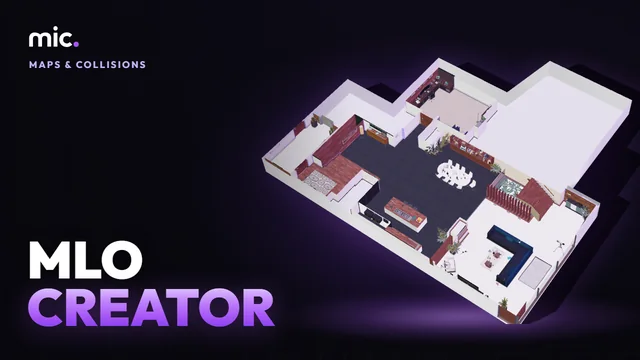 MLO CreatorTurn a house model into a real interior (MLO): drop it, its inside is made for you, add storeys, rooms, doors and windows, and it is still seen from outside.
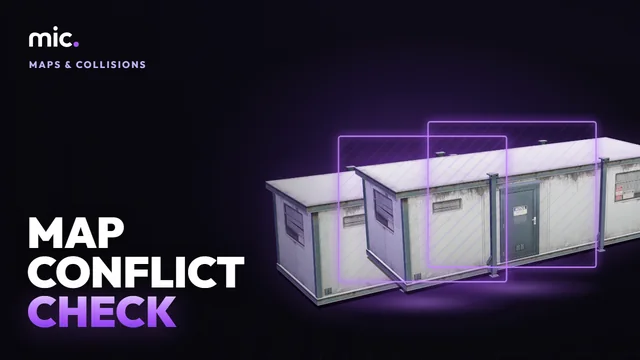 Map Conflict CheckDrop your resources folder: the map resources that clash, with the game or each other. Same map replaced twice, overlapping MLOs, archetypes defined twice, collisions cut into each other.
 Collision StudioTurn a GLB into a map collision (.ybn): a game surface and flags for each of its materials, placed on the map, drawn back over the model.
 Navmesh ViewerSee where peds can walk: a navmesh (.ynv) in 3D by its flags, with links, islands peds can't reach, and holes. A viewer, not a generator.