FiveM Map Conflict Checker: MLOs and YMAPs
Drop your resources folder: the map resources that clash, with the game or each other. Same map replaced twice, overlapping MLOs, archetypes defined twice, collisions cut into each other.
Loading Map Conflict Check…
Find FiveM map conflicts without turning resources off one by one
A map that shows half its walls, an MLO you fall through, a removed prop that comes back: on a server with many map resources the cause is usually two of them clashing. Map Conflict Check reads your whole resources folder together and lists every clash: the same game .ymap replaced by two resources, MLOs overlapping each other or one of the game's 800 interiors, archetypes defined by two .ytyp files, objects placed twice in one spot, and .ybn collisions that cut into each other.
Each conflict says which resource clashes with which, where it is on the map and how to fix it: remove one copy, rename it, or move one map. Models and textures stay on your computer; only the map files are checked, and the check is free.
How Map Conflict Check works
- Drop your whole resources folder, a few map resources, or a .zip of them.
- See each conflict: which resource against which, and where on the map.
- Follow the fix under each one, then drop the folder again to check.
You get: A report of every map conflict with its spot on the map and how to fix it, as CSV. Free.
Every tool is free to try: 5 exports a day, files up to 25 MB. The paid plans raise the limits. See the plans.
Questions
- How do I find which FiveM map is broken?
- Drop your resources folder here instead of stopping resources in halves. The resources in the most conflicts are listed first: try the server without them.
- Two resources replace the same ymap, what now?
- Only one of them loads. Keep one copy and redo the other's changes in it with the YMAP editor in Scene Sandbox.
- Why do I fall through the floor of my MLO?
- Often a second interior or a map's collision is in the same place. The check finds overlapping interiors and collisions; for the floor itself see the Navmesh Viewer and Collision Studio.
- Does it work with escrowed maps?
- Their encrypted files cannot be read, so only their names are checked (the same file streamed twice, a game map replaced). Files the escrow leaves open are checked in full.
In GTA Explorer
- GTA V interiors: the game's interiors your MLOs must not overlap
- GTA V IPLs and map files: the game's .ymap files, to see what a replaced one placed
- The GTA V map: where a conflict is
Related tools
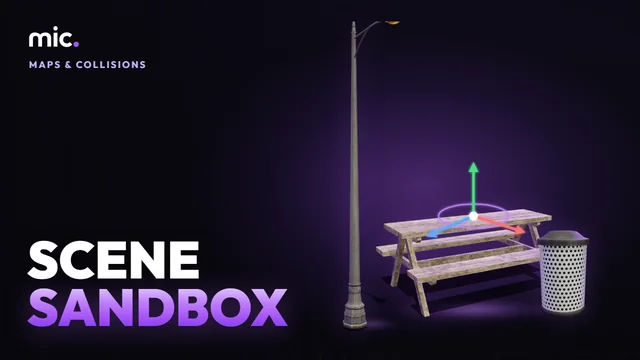 Scene SandboxLay props out in 3D round a point on the map and take them out as Lua, JSON or a .ymap, or open and edit existing .ymap files.
 Server BudgetDrop your whole resources folder: the memory each resource streams, the oversized files FiveM warns about, and files streamed twice.
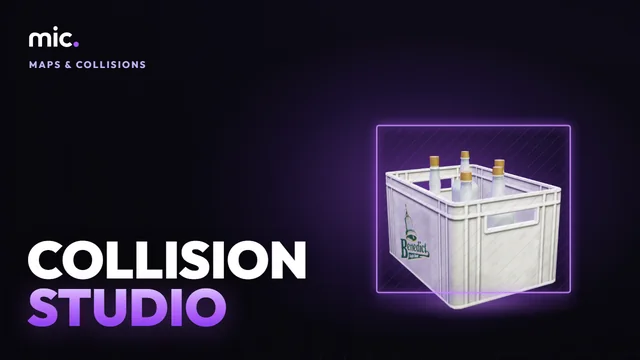 Collision StudioTurn a GLB into a map collision (.ybn): a game surface and flags for each of its materials, placed on the map, drawn back over the model.
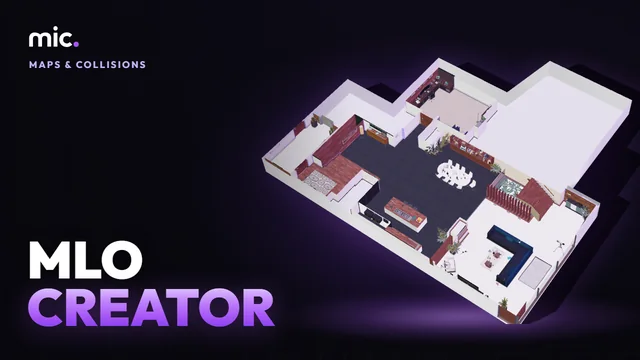 MLO CreatorTurn a house model into a real interior (MLO): drop it, its inside is made for you, add storeys, rooms, doors and windows, and it is still seen from outside.