FiveM Power Lines and String Lights Maker
Hang cables between points: power lines, phone lines and string lights that sag and sway in the wind, built with the game's own cable shader.
Loading Cable Builder…
Power lines and string lights for FiveM maps
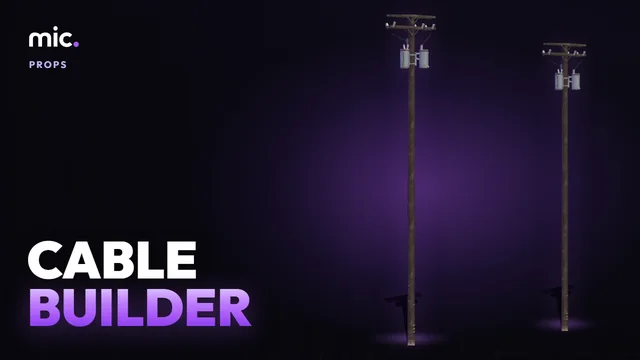
Cable Builder hangs cables between points you place in 3D: power lines, phone lines and festoon string lights that sag and sway in the wind, built with GTA V's own cable shader.
Set each cable's sag, thickness and colour and add bulbs. You get a FiveM resource with the cables as .ydr, their .ytyp, a .ymap that places them and the fxmanifest.
How Cable Builder works
- Put the points down in 3D, type or paste them, or drop a .glb with lines.
- Set each cable's sag, thickness, colour and sway; add bulbs for string lights.
- Say where it goes on the map, name it and download the FiveM resource.
You get: A FiveM resource with the cables (.ydr), their .ytyp, a .ymap that places them, and the fxmanifest.
Every tool is free to try: 5 exports a day, files up to 25 MB. The paid plans raise the limits. See the plans.
Questions
- How do I add power lines to a FiveM map?
- Place the poles' points here (or paste their coordinates), set the sag and download the resource with its .ymap.
- Can I add lights to the cables?
- Yes, add bulbs along a cable for string lights. For lit props see Prop Lights.
- Do the cables move?
- Yes, they sway in the wind like the game's.
In GTA Explorer
- The GTA V map: find the spot on the map for your cables
- GTA V props and map models: the game's poles and pylons to hang them from
Related tools
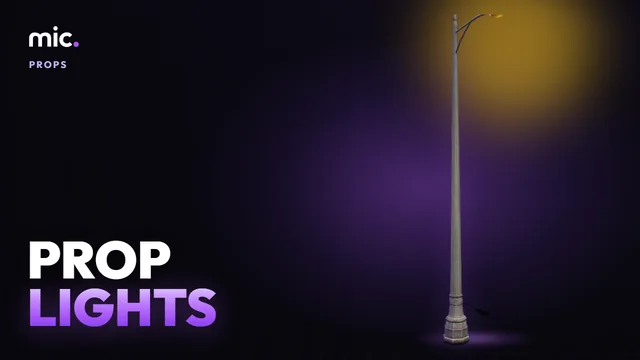 Prop LightsPut real lights in a prop: point or spot, colour, strength, reach and flicker, placed in 3D. For street lamps, neons and signs.
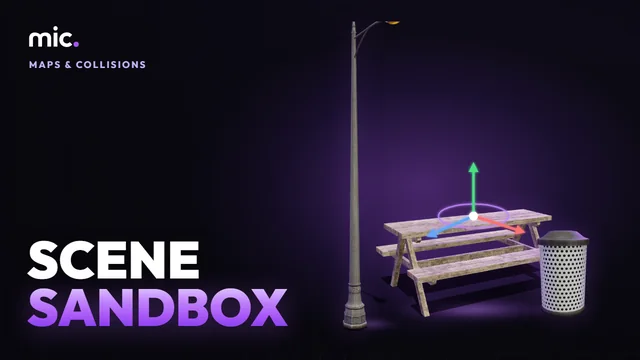 Scene SandboxLay props out in 3D round a point on the map and take them out as Lua, JSON or a .ymap, or open and edit existing .ymap files.
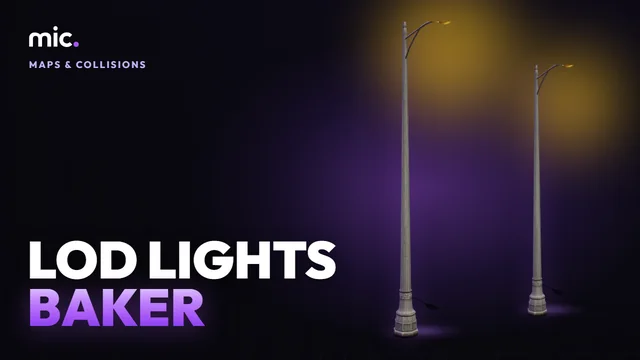 LOD Lights BakerMake your map's lights show from far away at night, like the game's: its lamps and neons baked into the lodlights and distantlights ymaps.
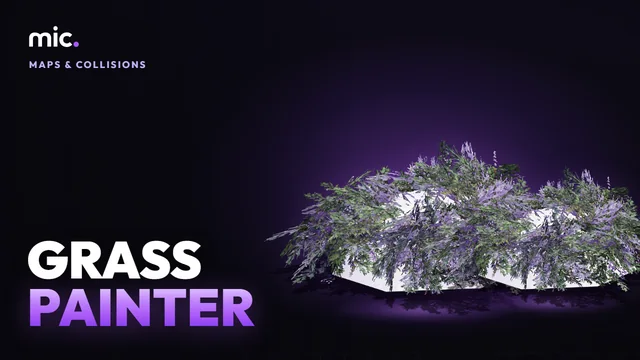 Grass PainterPaint the game's own grass, flowers and stones on a ground in 3D, and get a grass .ymap batched the way the game's are. Or edit an existing one.
Other props tools: GLB to Prop · AI Prop Creator · Prop to YTYP · Prop Finder · YDR Animation · Model Inspector · YTYP Editor · Prop Reskin · Flag Maker · Door Maker · Prop Lights · Prop Collision Editor · Prop LOD Builder · YDR Model Editor · Inventory Icons