FiveM Prop Collision Editor (Fix No Collision)
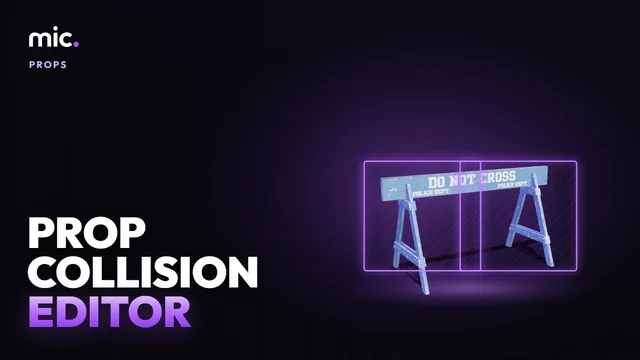
Shape a prop's collision by hand: boxes, spheres, capsules and cylinders placed over the model, each with its surface and flags.
Loading Prop Collision Editor…
Fix a FiveM prop with no collision
When players walk through a prop, or a car drives through it, the prop has no collision or the wrong one. Prop Collision Editor lets you build it by hand: boxes, spheres, capsules and cylinders placed over the model, or fitted to it.
Each part gets a game surface (metal, wood, concrete…) and what it collides with. You download the same .ydr or .yft with its new collision, and its .ytyp if you dropped it.
How Prop Collision Editor works
- Drop your .ydr or .yft with its .ytd, or open a game prop.
- Add or fit boxes, spheres, capsules and cylinders, then move and size them.
- Pick each part's surface and what hits it, then download.
You get: The same .ydr or .yft with its new collision, and its .ytyp if you dropped it.
Every tool is free to try: 5 exports a day, files up to 25 MB. The paid plans raise the limits. See the plans.
Questions
- Why can players walk through my prop?
- Its .ydr has no embedded collision, or its collision is too small. Add boxes or capsules here and download it again.
- Can I see a prop's current collision?
- Yes, it is drawn over the model. The Model Inspector also shows it, coloured by surface.
- How do I make collision for a whole map?
- Use Collision Studio: it turns a low-poly GLB into a .ybn map collision.
Guides
- FiveM prop has no collision? Why players walk through itPlayers walking through your custom prop, or it floats or sinks? Where a prop's collision lives, how to see it, and how to add or fix it without Blender.
- How to convert a GLB to a FiveM prop without BlenderTurn a Sketchfab, Blender or AI-made .glb into a FiveM prop (.ydr, .ytd and .ytyp) online: size it, set its pivot and collision, spawn it.
- How to make a .ytyp for your FiveM props (prop not spawning fix)Streamed a .ydr but your prop will not spawn? It needs a .ytyp loaded with DLC_ITYP_REQUEST. What goes in it, and how to make one without CodeWalker.
In GTA Explorer
- GTA V props and map models: game props to compare collision with, in 3D
- The GTA V map: where the game places props like yours
Related tools
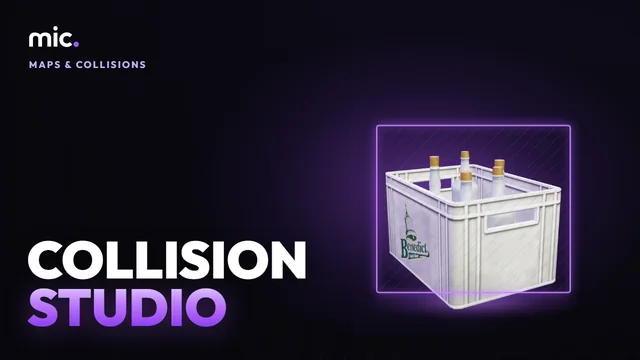 Collision StudioTurn a GLB into a map collision (.ybn): a game surface and flags for each of its materials, placed on the map, drawn back over the model.
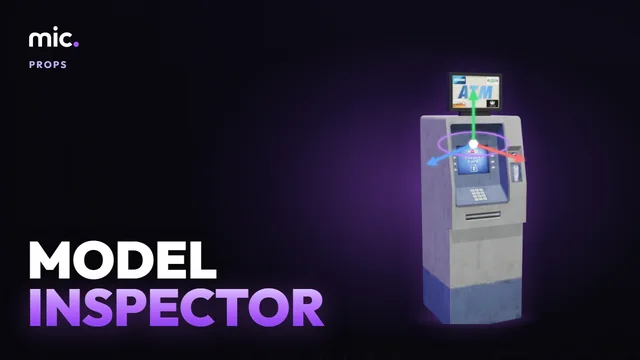 Model InspectorOpen .ydr, .yft and .ydd files in 3D: their models, shaders, textures and collision, and the textures they miss. Download them as GLB.
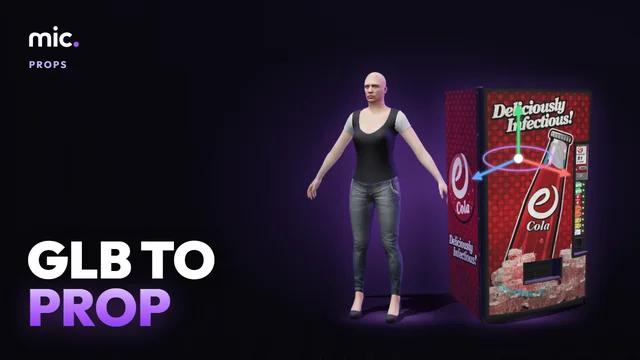 GLB to PropTurn a GLB into a streamable prop (.ydr, .ytd, .ytyp). Size it next to a freemode ped, set its pivot, download a FiveM resource.
 Prop LightsPut real lights in a prop: point or spot, colour, strength, reach and flicker, placed in 3D. For street lamps, neons and signs.
Other props tools: GLB to Prop · AI Prop Creator · Prop to YTYP · Prop Finder · YDR Animation · Model Inspector · YTYP Editor · Prop Reskin · Flag Maker · Door Maker · Prop Lights · Prop LOD Builder · YDR Model Editor · Inventory Icons · Cable Builder