FiveM Inventory Icons Generator (ox, QB, QS)
Render clean item icons for ox, QB and QS inventories from any prop or GLB: transparent, framed and lit the same every time.
Loading Inventory Icons…
FiveM inventory icons from any prop or GLB
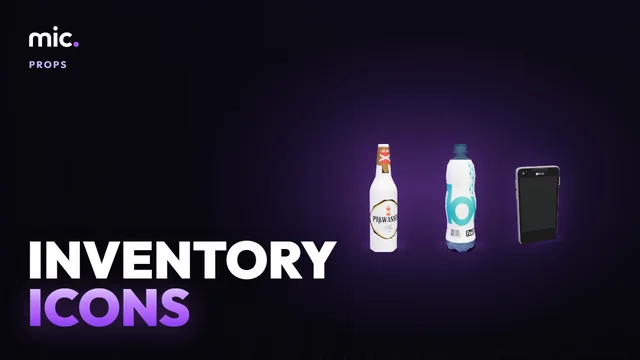
Inventory Icons renders item images for ox_inventory, qb-inventory and qs-inventory: a transparent PNG of a GTA V prop, your .ydr or .yft, or a .glb, framed and lit the same way every time so a whole inventory looks consistent.
Pick the angle and padding (or drag to turn the model), name the file after the item and download it, ready for the inventory's images folder.
How Inventory Icons works
- Drop a .glb, or a .ydr / .yft with its .ytd.
- Pick the angle and padding, or drag to turn it.
- Name the item and download the .png.
You get: A transparent PNG icon for ox, QB or QS inventory, named after the item.
Every tool is free to try: 5 exports a day, files up to 25 MB. The paid plans raise the limits. See the plans.
Questions
- Where do ox_inventory images go?
- In ox_inventory/web/images, named after the item (water.png for the item water). The tool names the PNG for you.
- What do inventory icons need to look like?
- A PNG with a transparent background, named after the item, which is what ox_inventory, qb-inventory and qs-inventory read.
- Can I make icons for my custom props?
- Yes. Drop the prop's .ydr with its .ytd, or the .glb you made it from with GLB to Prop.
Guides
In GTA Explorer
- GTA V props and map models: pick the game prop to render as an item image
- GTA V weapons: the game's weapons, for weapon item images
Related tools
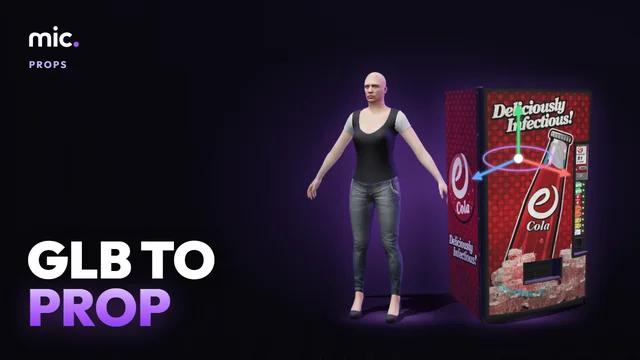 GLB to PropTurn a GLB into a streamable prop (.ydr, .ytd, .ytyp). Size it next to a freemode ped, set its pivot, download a FiveM resource.
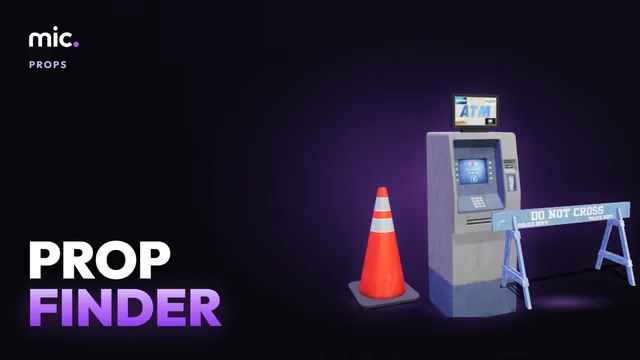 Prop FinderSearch the game's 16,000 props by name or hash: size, LOD, where it is defined, a 3D look and the code to spawn or target it.
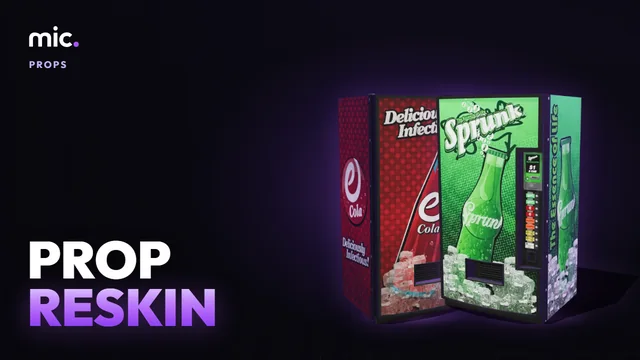 Prop ReskinCopy any game prop (or your own) under a new name with its textures repainted or swapped: a new addon prop, the original left alone.
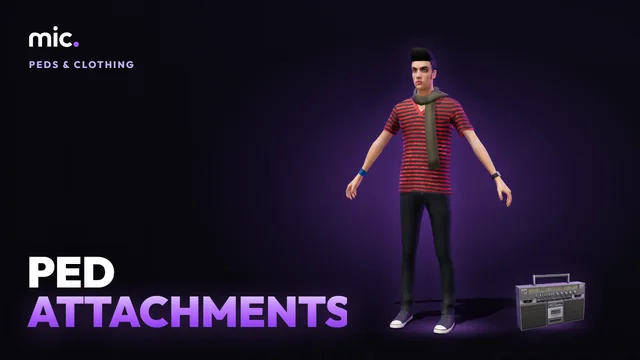 Ped AttachmentsPut a prop on a freemode bone with a gizmo and copy the offsets for AttachEntityToEntity, rpemotes or ox_lib.
Other props tools: GLB to Prop · AI Prop Creator · Prop to YTYP · Prop Finder · YDR Animation · Model Inspector · YTYP Editor · Prop Reskin · Flag Maker · Door Maker · Prop Lights · Prop Collision Editor · Prop LOD Builder · YDR Model Editor · Cable Builder