Props · 3 min read
How to convert a GLB to a FiveM prop without Blender
Read in: Español · Français · Deutsch · Português · Italiano · Polski · Türkçe · Русский
You found the perfect model on Sketchfab, made one in Blender, or generated one with an AI tool, and you want it in your FiveM server as a prop you can spawn. The usual route is Blender, the Sollumz add-on and CodeWalker, and a fair amount of learning. You can also do it online in a couple of minutes.
What a FiveM prop is made of
A prop the game can spawn by name is three files in a resource's stream folder, plus one line in its fxmanifest:
.ydr: the model itself, with its shaders and its collision..ytd: its textures (they can also be inside the.ydr)..ytyp: its archetype, the entry that makes it a placeable object: its name, size, draw distance, texture dictionary and physics. (More on the .ytyp.)
data_file 'DLC_ITYP_REQUEST' 'stream/my_prop.ytyp'A .glb holds the model and its textures in one file, which is why it is the easiest format to start from. Export it from Blender as glTF Binary (.glb); a .gltf with separate files will not do.
Check the model's licence before you use it. CC Attribution means you must credit the author, and some licences do not allow commercial use.
Convert it step by step
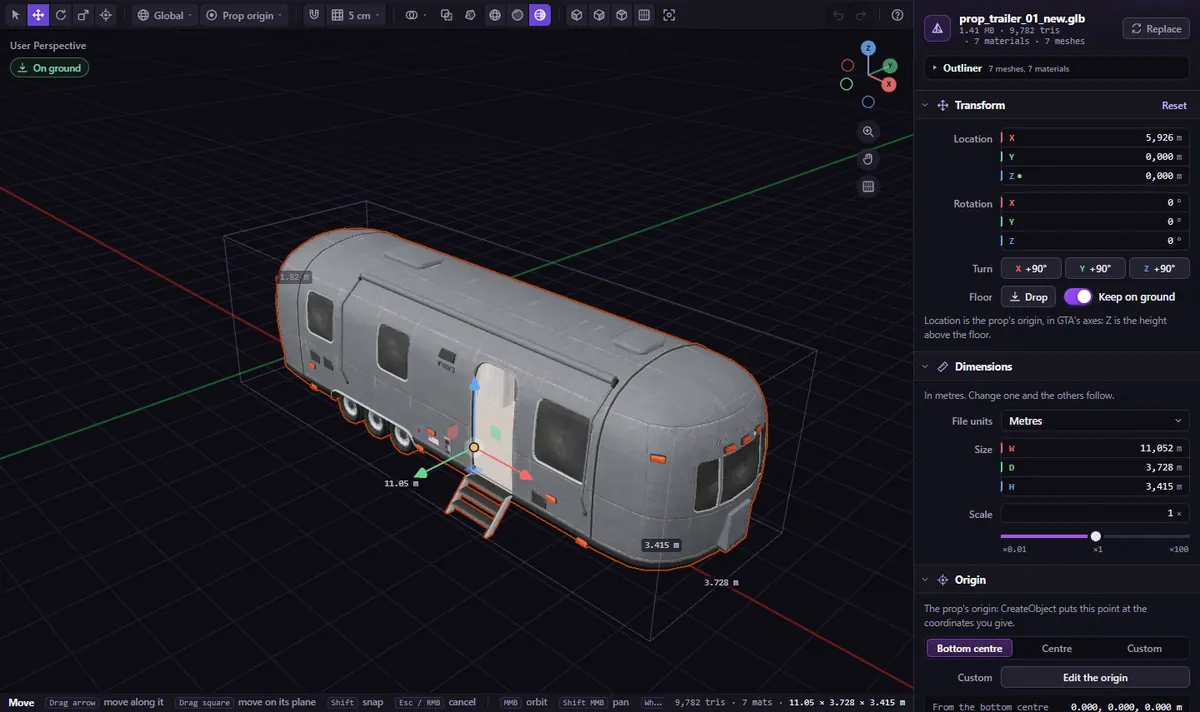
Open GLB to Prop and drop your .glb (or press Try a 1 m test cube to see how it works first). Compressed GLBs (Draco, meshopt, KTX2 or WebP textures) are unpacked in your browser before anything is sent.
- Size it. The freemode ped stands next to your model. If the model came in centimetres or millimetres, set File units; or type the size you want in metres.
- Turn it. A model that lies on its side needs a quarter turn: X +90°. Drop (G) puts it on the floor.
- Set its origin. Bottom centre is the default:
CreateObjectputs this point at the coordinates you give, so the prop stands on the ground where you spawn it. - Name it in lower-case letters, digits and
_. Use a prefix of your own: names starting like the game's (prop_,v_,p_…) get a warning, because they could clash with GTA's own models. - Pick its collision: Fitted (convex hull) suits most props, Its own triangles walk-in props and floors, Box around it crates and blocks, None decorations. Pick its Surface too (concrete, metal, wood…) for the right sounds and bullet marks.
- Click Download the FiveM resource (.zip).
Under Advanced you can also keep the textures inside the .ydr, make the faces double-sided, set the largest texture size (1024 px by default) and how far the prop is drawn (Seen up to, 100 m by default). Tick Static (can't be pushed) for props that should never move.
Put it in your server
The zip holds a folder named after your prop, with its fxmanifest.lua and the .ydr, .ytd and .ytyp in stream/. Put that folder in your resources, add ensure my_prop to your server.cfg and restart. The page then shows the code to spawn it in front of you:
local model = `my_prop`
RequestModel(model)
while not HasModelLoaded(model) do Wait(0) end
local c = GetEntityCoords(PlayerPedId())
local obj = CreateObject(model, c.x, c.y + 1.0, c.z - 1.0, true, true, false)
The video tutorial does the whole thing with a free Sketchfab model, from the download to the prop in game.
What it does not do (yet)
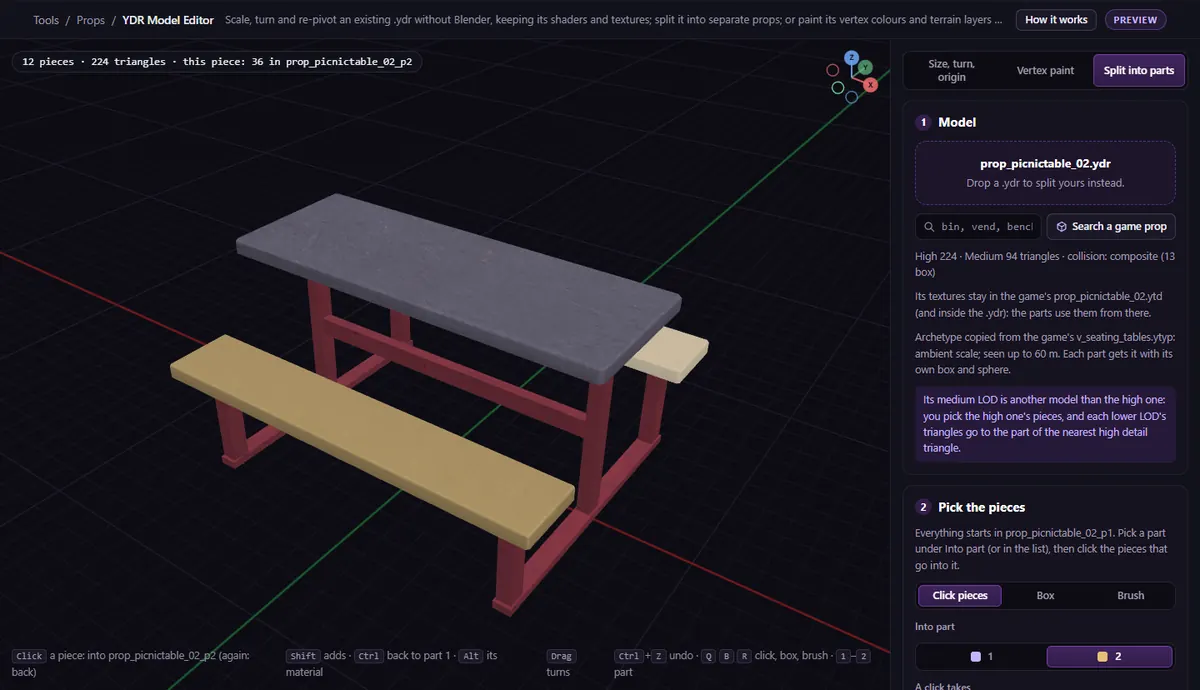
- One level of detail. The prop is drawn in full as far as it is drawn at all. Give it lower LODs afterwards with the Prop LOD Builder.
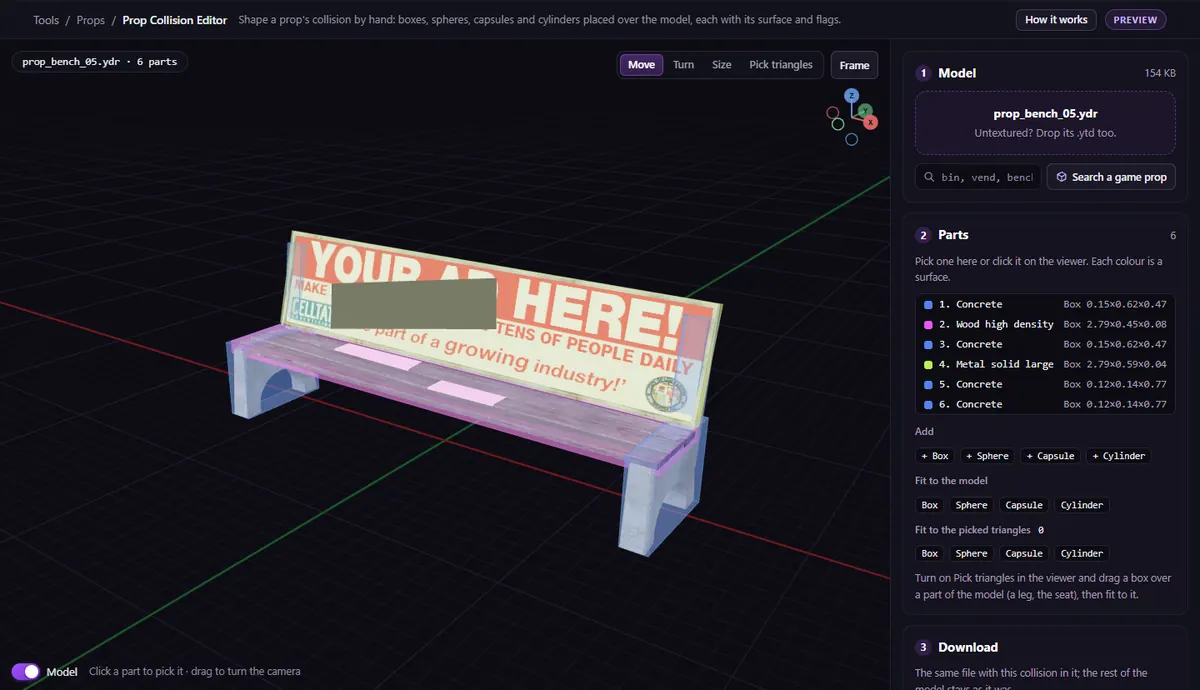
- One surface per prop. For a prop that is metal on one side and wood on the other, or a collision shaped by hand, open the result in the Prop Collision Editor.
- No moving parts and no lights. YDR Animation makes props that move by themselves; Prop Lights puts real lights in one.
Very heavy models (over 150,000 triangles) get a warning: players will feel them. AI-generated models are often far heavier than they need to be.
Questions
- Can I convert an FBX or OBJ?
- Open it in Blender (or any 3D app) and export it as .glb first. GLB to Prop takes .glb only.
- Does it work with ESX, QBCore and QBox?
- Yes. A prop is a streamed asset, not a script: any framework spawns it by its name.
- Why does my converted prop float or sink?
- Its origin is not where you think. With Bottom centre the origin is the bottom of the model, so the prop stands on the spot you spawn it at. More in the collision guide.
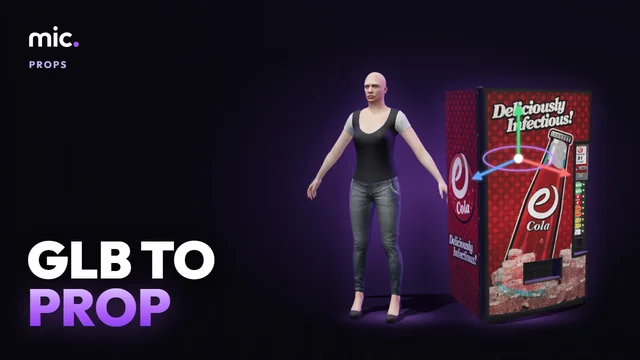
The tool for this
GLB to Prop
Drop your .glb, size it next to the freemode ped, pick its collision and download a FiveM resource with the .ydr, .ytd and .ytyp.
Open GLB to PropAlso useful here: Prop LOD Builder · Prop Collision Editor