FiveM Custom Door Maker: GLB to Working Door
Turn a door, gate or shutter model into a working FiveM door: swinging, double, sliding or garage, with its hinge, collision and door lock config.
Loading Door Maker…
Make a custom door for FiveM from a .glb
A custom door in FiveM is more than a prop: the model's origin has to sit on its hinge, its archetype in the .ytyp needs the door flags and the right kind (a swinging, sliding or garage door), it needs collision, and the door lock script needs its model, coordinates and heading. The usual way is eight steps in Blender with a game door as a template, then CodeWalker.
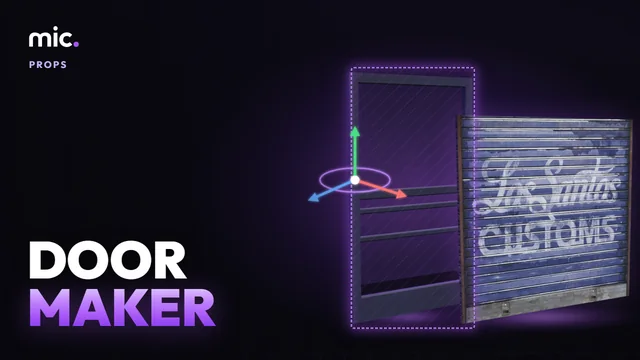
Door Maker does it from your model: drop the .glb (or pick a game prop), choose a swinging, double, sliding or garage door and its hinge side, and watch it open in 3D. The download is a FiveM resource with the model moved onto its hinge, a collision box, the .ytyp marked as a door the way the game's own are, a .ymap that places it, a doors.lua that locks it for every player, and the same door as ox_doorlock and qb-doorlock config.
How Door Maker works
- Drop your door's .glb, or pick a game prop.
- Pick the kind of door and its hinge side; watch it open in 3D.
- Paste where it goes, then download the FiveM resource.
You get: A FiveM resource: the door's model, collision and .ytyp, its .ymap, doors.lua, ox_doorlock and qb-doorlock config.
Every tool is free to try: 5 exports a day, files up to 25 MB. The paid plans raise the limits. See the plans.
Questions
- How do I make a custom door in FiveM?
- Export the door from Blender as a .glb, drop it here, pick the kind of door and its hinge side, paste where it goes and download the resource. Ensure it: the door is placed, works with the game's door system and can be locked.
- Why does my custom door not open?
- Most often its archetype has no door flags or no door kind (special attribute), or its origin is not on the hinge, so it spins round its middle. Door Maker sets the flags (dynamic and door physics), the kind and the origin the way the game's own doors have them.
- How do I make a sliding gate or garage door?
- Pick Sliding, Garage (up and over) or Roll-up. A sliding door gets its origin on the bottom corner it slides to, a garage door tilts up and in, a roll-up rises into the lintel. Left unlocked the game opens them for anyone near, so the download keeps them shut until a player comes close.
- Does it work with ox_doorlock and qb-doorlock?
- Yes. The download has the door as ox_doorlock rows and qb-doorlock config, with the job that may lock it. For doors that are already in an MLO, use Doorlock Config Generator.
- Can I put the door in my MLO?
- Leave the spot empty and you get the model and its .ytyp to place in your interior. To build the whole MLO with working doors, use MLO Creator.
In GTA Explorer
- GTA V doors: the game's doors, gates and garage doors, to see how each kind is made
- prop_gar_door_01: a game garage door, 3 m wide, to size yours against
Related tools
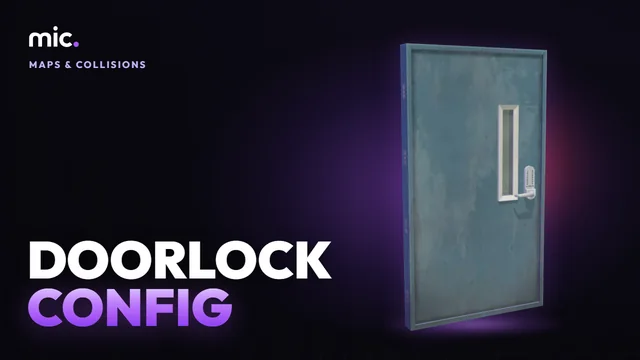 Doorlock Config GeneratorDrop an MLO or map resource: every door it places, with its model, coordinates and heading, double doors paired, as ox_doorlock or qb-doorlock config.
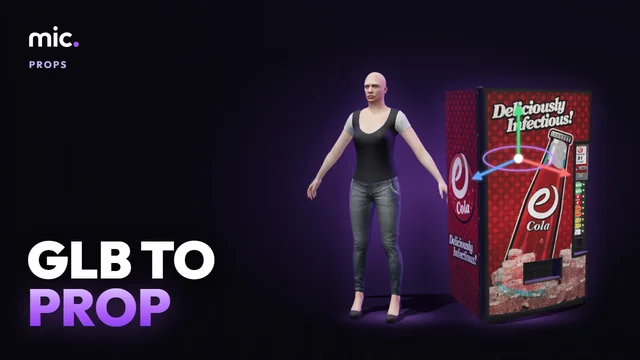 GLB to PropTurn a GLB into a streamable prop (.ydr, .ytd, .ytyp). Size it next to a freemode ped, set its pivot, download a FiveM resource.
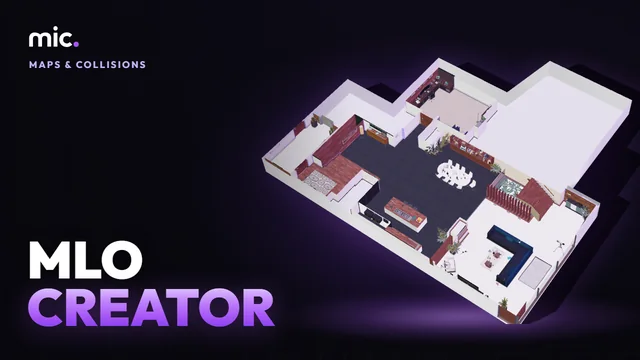 MLO CreatorTurn a house model into a real interior (MLO): drop it, its inside is made for you, add storeys, rooms, doors and windows, and it is still seen from outside.
 Prop Collision EditorShape a prop's collision by hand: boxes, spheres, capsules and cylinders placed over the model, each with its surface and flags.