Props · 4 min read
FiveM prop has no collision? Why players walk through it
Read in: Español · Français · Deutsch · Português · Italiano · Polski · Türkçe · Русский
You spawn your custom prop and walk straight through it. Or cars drive through it, bullets pass through it, or it hovers a hand above the ground. All of these come down to the prop's collision: the invisible shape the game uses for physics, separate from the model you see.
Where a prop's collision lives
A prop you spawn with CreateObject carries its collision inside its own model, the .ydr (or .yft). That is how the game's props do it: of the 11,410 props in the game whose archetype names a physics dictionary, 11,352 have their collision inside the model. A .ybn file is something else: it is how maps and MLOs carry their fixed collision, a map's in world coordinates, an interior's where the interior is placed.
So when a custom prop has no collision, it is usually one of these:
- The model has none. It was exported without one (common with models converted from other games or straight from Blender).
- The
.ytypdoes not name it. The archetype has aphysicsDictionary; without it the game draws the prop but does not use its collision. - It ignores what you expect it to stop. Each collision part says what it collides with. In 8,000 of the game's props we checked, 7,176 collision parts are set to stop only shots and the camera. Going by their flags, a collision made only of parts like those lets players and cars through.
- It is the wrong shape. A convex hull cannot have holes: it fills the space under a table or inside an arch.
Why a prop floats or sinks
CreateObject puts the prop's origin at the coordinates you give. If the origin is in the middle of the model, half of it ends up below the ground; if the collision reaches below the model, the prop stands on it and seems to float. A prop with no collision at all falls through the ground if it is not frozen.
See the collision first
Drop the .ydr (or .yft) with its .ytd into the Model Inspector and turn on Collision: it is drawn over the model, coloured by surface, next to the freemode ped. The model's section says what collision it has, or "none inside", and where its origin is: at the bottom, at the top, or some metres above the bottom. It is free and changes nothing.
Add or fix it
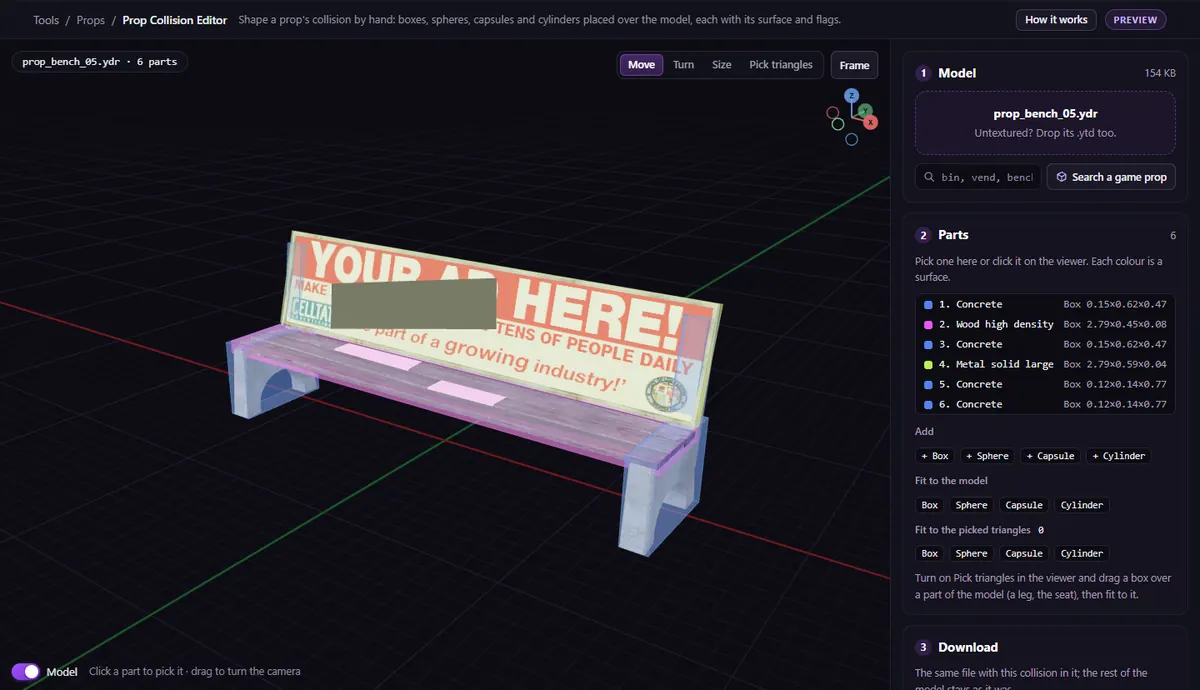
Open the prop in the Prop Collision Editor: drop its .ydr or .yft, with its .ytd to see the textures and its .ytyp if you have it. Or pick one of the game's props by name to start from.
- Fit to the model for a quick fit, or add parts by hand: + Box, + Sphere, + Capsule, + Cylinder. Move, turn and size each one over the model.
- For a part of the model only (a table top, a leg), use Pick triangles, then Fit to the picked triangles.
- Give each part a Surface (its sound, marks and dust when hit) and set What hits it: Everything for a solid prop, or Shots and camera only, Not vehicles and the others when you want less.
- Download. With its
.ytypdropped too, you get a.zipwith the model and the.ytyp, whose box grows to hold the collision if it sticks out.
Parts you did not touch come back exactly as they were. In a .yft (a breakable prop or a vehicle part) you can move and resize the pieces it has, but not add or remove them, or change what they collide with.
Making the prop yourself?
If the prop comes from a .glb, set the collision when you make it: GLB to Prop has Fitted (convex hull), Its own triangles for walk-in props and floors, Box around it and None, and writes the .ytyp with its physics dictionary. (The whole conversion.)
Questions
- Can I just add a .ybn next to my prop?
- A
.ybnis fixed collision for a map or an interior, placed where the map is. A prop you spawn moves with its own collision, which lives inside its.ydror.yft. - My prop has collision but cars drive through it. Why?
- Most often its parts are set not to collide with vehicles. In the Prop Collision Editor, set What hits it to Everything.
- Why can I not walk under my table?
- A convex hull is one closed shape with no holes. Use separate boxes for the top and the legs, or Its own triangles in GLB to Prop.
The tool for this
Prop Collision Editor
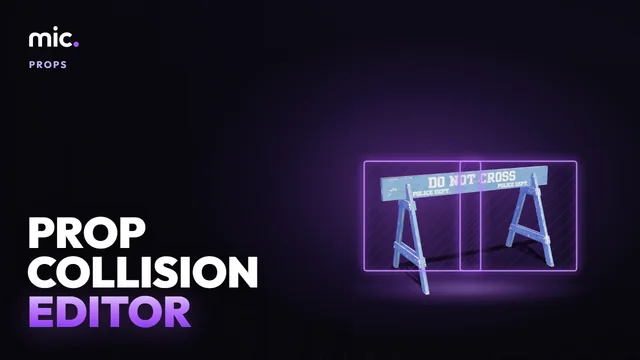
Drop your prop and shape its collision over the model: boxes, spheres, capsules and cylinders, each with its surface and what it stops.
Open Prop Collision EditorAlso useful here: Model Inspector · GLB to Prop