Add Lights to GTA 5 Props (YDR / YFT)
Put real lights in a prop: point or spot, colour, strength, reach and flicker, placed in 3D. For street lamps, neons and signs.
Loading Prop Lights…
Add real lights to a GTA 5 prop
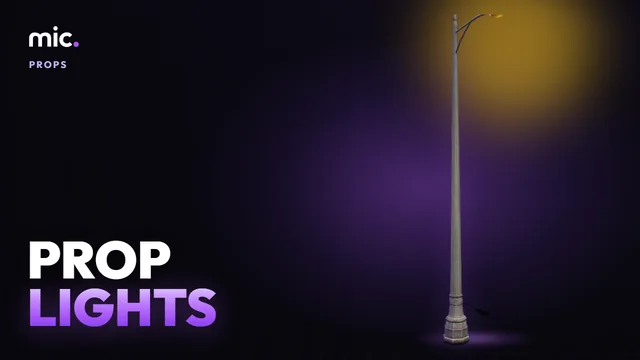
Prop Lights puts lights inside a .ydr or .yft: point or spot, with colour, strength, reach, cone and flicker, placed and aimed in 3D. Start from presets for street lamps, neons and signs, then slide the hour to see them at night.
The same model comes back with its lights in it; everything else in the file stays as it was.
How Prop Lights works
- Drop your .ydr or .yft with its .ytd, or open a game prop.
- Add lights from the presets, then move, aim and set each one.
- Slide the hour to check them at night, then download.
You get: The same .ydr or .yft with its lights in it; everything else in it stays as it was.
Every tool is free to try: 5 exports a day, files up to 25 MB. The paid plans raise the limits. See the plans.
Questions
- How do I add a light to a prop in FiveM?
- Drop the .ydr or .yft with its .ytd, add a light, move and set it, then download the file and stream it as before.
- Will the lights show from far away?
- Prop lights fade with distance like the game's. To see your map's lamps from far away at night, add LOD Lights.
- Can lights flicker?
- Yes, each light has a flicker setting, for neon signs or broken lamps.
In GTA Explorer
- prop_streetlight_01: a game street lamp, to see how the game lights a prop
- GTA V timecycle modifiers: the timecycle modifiers that change how lights look at night
Related tools
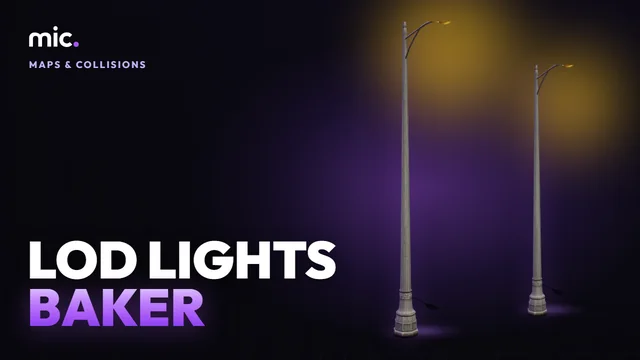 LOD Lights BakerMake your map's lights show from far away at night, like the game's: its lamps and neons baked into the lodlights and distantlights ymaps.
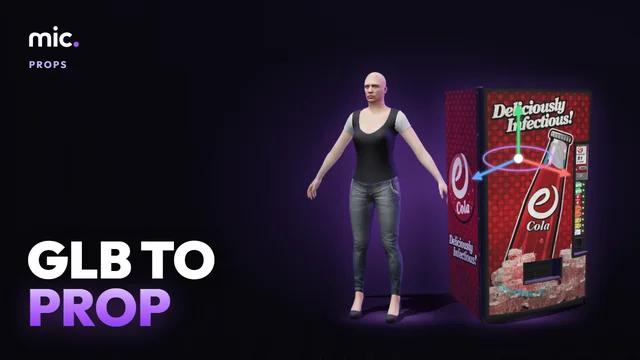 GLB to PropTurn a GLB into a streamable prop (.ydr, .ytd, .ytyp). Size it next to a freemode ped, set its pivot, download a FiveM resource.
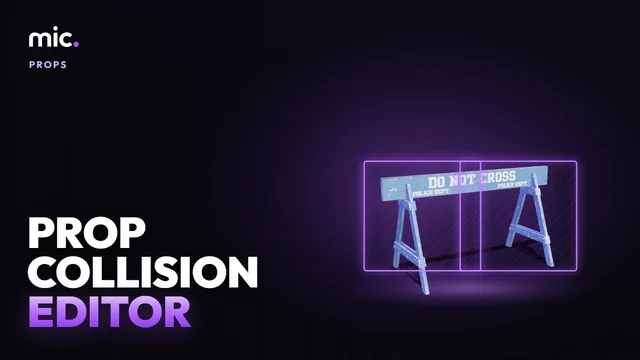 Prop Collision EditorShape a prop's collision by hand: boxes, spheres, capsules and cylinders placed over the model, each with its surface and flags.
 Vehicle LightsMake a vehicle's light setting from one of the game's 77: headlight, tail, indicator and reversing colours, brightness, reach and beam shape.
Other props tools: GLB to Prop · AI Prop Creator · Prop to YTYP · Prop Finder · YDR Animation · Model Inspector · YTYP Editor · Prop Reskin · Flag Maker · Door Maker · Prop Collision Editor · Prop LOD Builder · YDR Model Editor · Inventory Icons · Cable Builder