YDR, YFT and YDD Viewer Online (Export to GLB)
Open .ydr, .yft and .ydd files in 3D: their models, shaders, textures and collision, and the textures they miss. Download them as GLB.
Loading Model Inspector…
Open YDR, YFT, YDD and YBN files online
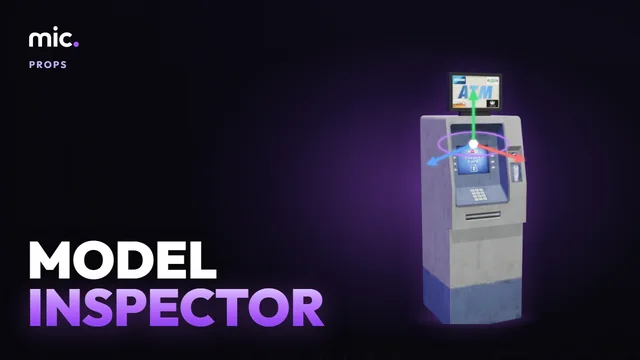
Model Inspector is a GTA V model viewer in your browser. Drop .ydr, .yft or .ydd files with their .ytd and turn them in 3D next to the freemode ped, with their collision drawn over them, coloured by surface.
It lists every model's triangles, shaders and textures, and the textures it cannot find (the reason for white or purple models). Any model can be downloaded as a .glb to open in Blender.
How Model Inspector works
- Drop .ydr, .yft or .ydd files, with their .ytd.
- Turn it in 3D, with the freemode ped and its collision.
- Read its triangles, shaders and missing textures, or download it as .glb.
You get: A report on each model and texture, and the model as a .glb for Blender.
Every tool is free to try: 5 exports a day, files up to 25 MB. The paid plans raise the limits. See the plans.
Questions
- How do I open a .ydr file without OpenIV?
- Drop it here, with its .ytd to see the textures. Nothing to install.
- Can I convert YDR or YFT to GLB?
- Yes. Download any opened model as a .glb, with its textures, for Blender or any 3D app.
- Why does my prop float or sink?
- Turn on Collision: a collision below the model makes it float, none makes it fall through. Fix it with the Prop Collision Editor.
Guides
- How to add mipmaps to a YTD (textures pink or shimmering up close)Textures saved without mipmaps can show pink, blurry or shimmering in FiveM. How to spot them in a .ytd and rebuild them with mipmaps, without OpenIV.
- FiveM prop has no collision? Why players walk through itPlayers walking through your custom prop, or it floats or sinks? Where a prop's collision lives, how to see it, and how to add or fix it without Blender.
- How to split a YDR prop into two (or more) separate propsSplit one .ydr into separate props, like a picnic table and its benches, keeping its shaders, textures, LODs and collision. In the browser, without Blender.
In GTA Explorer
- GTA V props and map models: the game's props in 3D, to compare with yours
- GTA V vehicles: every game vehicle in 3D
- GTA V peds: every game ped in 3D
Related tools
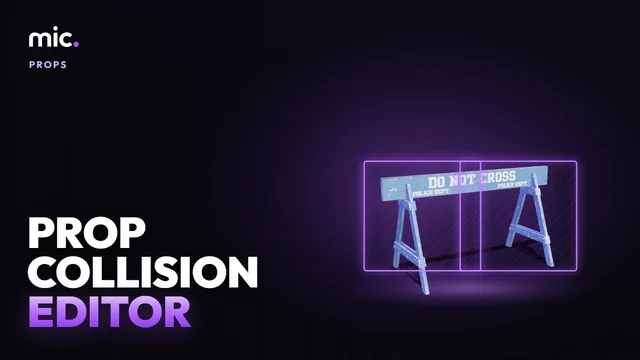 Prop Collision EditorShape a prop's collision by hand: boxes, spheres, capsules and cylinders placed over the model, each with its surface and flags.
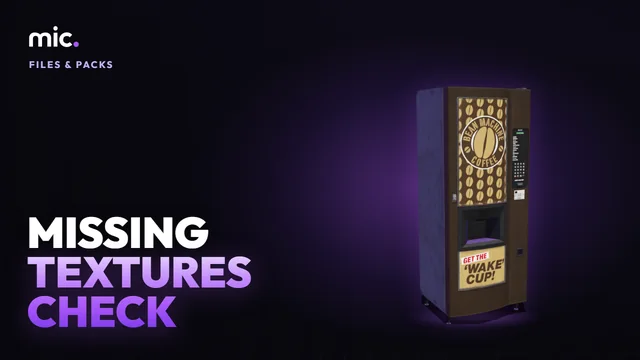 Missing Textures CheckFind the textures behind white, pink or purple models: every texture a resource's models take, looked for the way the game does, with a fix for each.
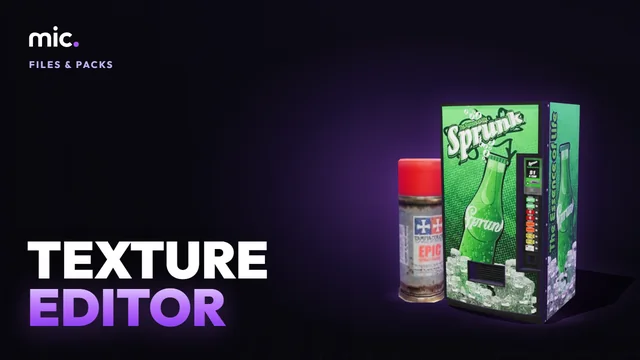 Texture EditorOpen a .ytd (or a model with textures inside): replace textures with your pictures, remove or add them, shrink them all to lighten a pack.
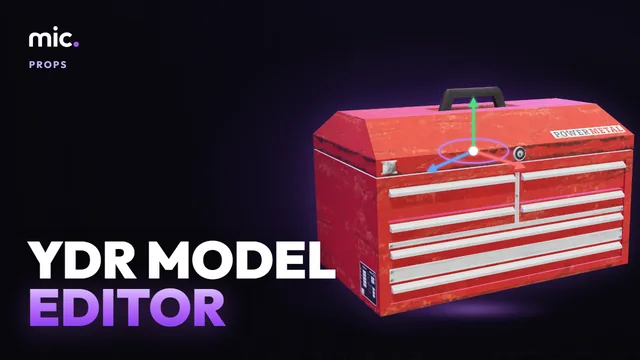 YDR Model EditorScale, turn and re-pivot an existing .ydr without Blender, keeping its shaders and textures; split it into separate props; or paint its vertex colours and terrain layers in 3D.
Other props tools: GLB to Prop · AI Prop Creator · Prop to YTYP · Prop Finder · YDR Animation · YTYP Editor · Prop Reskin · Flag Maker · Door Maker · Prop Lights · Prop Collision Editor · Prop LOD Builder · YDR Model Editor · Inventory Icons · Cable Builder