YDR Editor: Resize and Re-pivot Props, No Blender
Scale, turn and re-pivot an existing .ydr without Blender, keeping its shaders and textures; split it into separate props; or paint its vertex colours and terrain layers in 3D.
Loading YDR Model Editor…
Resize, rotate, re-pivot or split a .ydr without Blender
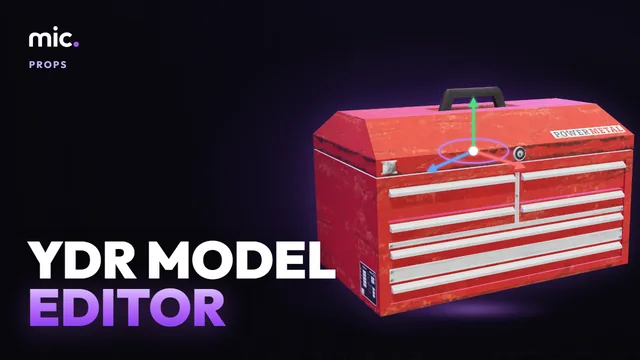
YDR Model Editor changes an existing .ydr in place: scale it, turn it and move its origin, keeping its shaders and textures. Useful when a prop is the wrong size, lies on its side or spawns half in the ground.
Its Split into parts mode separates the parts of a prop for FiveM: click the pieces that go into a second (or third) prop, or cut one mesh with a box or a brush, and download a .ydr for each part with the original's shaders, textures and LODs, a .ytyp, collision for each and a Lua example that spawns them together.
It also has a vertex paint mode: brush vertex colours, terrain blend layers or baked shade directly on the model in 3D.
How YDR Model Editor works
- Drop a .ydr, with its .ytd to see its textures.
- Scale it, turn it and set its origin, then apply to look.
- Or Split into parts (click the pieces for each prop), or Vertex paint.
- Name it and download it.
You get: A .zip with the edited, split or painted .ydr files and a .ytyp.
Every tool is free to try: 5 exports a day, files up to 25 MB. The paid plans raise the limits. See the plans.
Questions
- How do I resize a prop in FiveM?
- Drop its .ydr, set the scale, apply and download it with its .ytyp.
- How do I split a .ydr into two props?
- Open it in Split into parts, click the pieces that go into part 2 (a box or the brush cuts a piece that is one mesh), name both and download them: each part keeps the original's textures and LODs.
- Do the parts still fit together?
- Yes, with "Same origin as the original" (the default): placed at the same coordinates they make the prop again. Or centre each part at its bottom to place it on its own.
- Can I fix a prop's pivot?
- Yes, set its origin (for example on the floor at its centre) so it spawns standing on the ground.
- I have a GLB, not a YDR
- Start with GLB to Prop, which sizes and pivots it before converting.
Guides
In GTA Explorer
- GTA V props and map models: game props with their exact size, to match yours to
Related tools
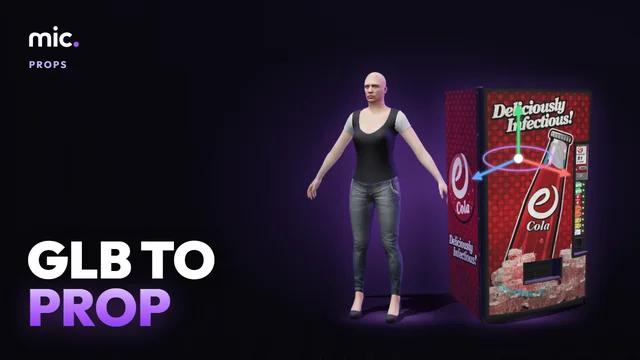 GLB to PropTurn a GLB into a streamable prop (.ydr, .ytd, .ytyp). Size it next to a freemode ped, set its pivot, download a FiveM resource.
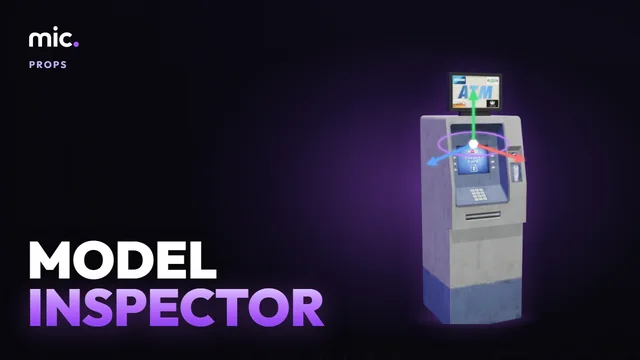 Model InspectorOpen .ydr, .yft and .ydd files in 3D: their models, shaders, textures and collision, and the textures they miss. Download them as GLB.
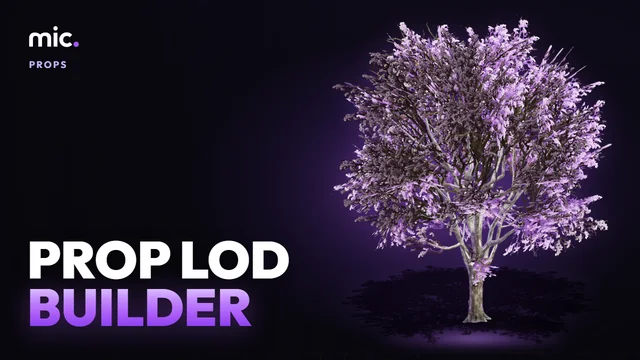 Prop LOD BuilderGive a prop that has only one level of detail its medium, low and very low models, so it costs less far away.
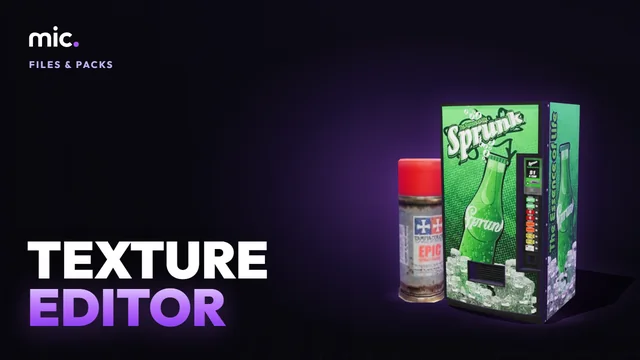 Texture EditorOpen a .ytd (or a model with textures inside): replace textures with your pictures, remove or add them, shrink them all to lighten a pack.
Other props tools: GLB to Prop · AI Prop Creator · Prop to YTYP · Prop Finder · YDR Animation · Model Inspector · YTYP Editor · Prop Reskin · Flag Maker · Door Maker · Prop Lights · Prop Collision Editor · Prop LOD Builder · Inventory Icons · Cable Builder