Retexture GTA 5 Props for FiveM (Prop Reskin)
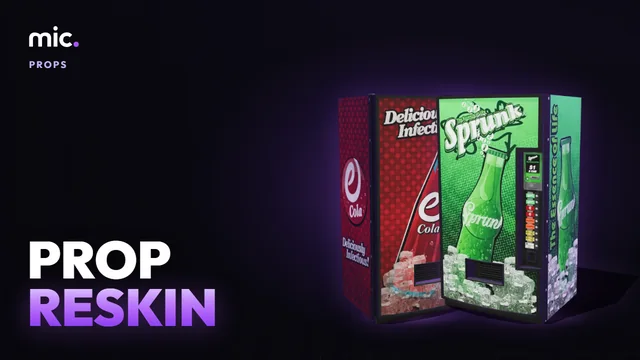
Copy any game prop (or your own) under a new name with its textures repainted or swapped: a new addon prop, the original left alone.
Loading Prop Reskin…
Retexture any GTA 5 prop as a new FiveM prop
Prop Reskin copies a game prop (or your own .ydr or .yft) under a new name and lets you repaint its textures in layers: brush, text, pictures, shapes and patterns. Put your server's logo on a billboard, a sign or a can, without touching the original.
The download is a FiveM resource with the new model, its textures, collision and .ytyp, and the Lua to spawn it.
How Prop Reskin works
- Search a game prop, or drop your .ydr or .yft with its .ytd.
- Pick a texture and paint it in layers: brush, text, pictures, shapes, patterns.
- Name the new prop and download the FiveM resource.
You get: A FiveM resource with the new prop (model, textures, .ytyp), its collision, and Lua to spawn it.
Every tool is free to try: 5 exports a day, files up to 25 MB. The paid plans raise the limits. See the plans.
Questions
- How do I change a prop texture in FiveM?
- Search the prop here, paint its texture and name the new prop. You get a separate addon prop, so the game's stays as it is.
- Can I replace the game prop instead?
- To change a texture inside an existing .ytd, use the Texture Editor.
- Do I need Photoshop?
- No. The painter has layers, text and image import, and you see the result on the 3D prop.
In GTA Explorer
- GTA V props and map models: pick the game prop to copy and repaint
- prop_bench_01a: a simple prop to start with
Related tools
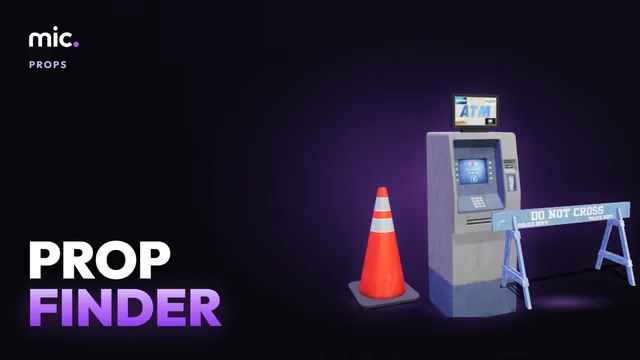 Prop FinderSearch the game's 16,000 props by name or hash: size, LOD, where it is defined, a 3D look and the code to spawn or target it.
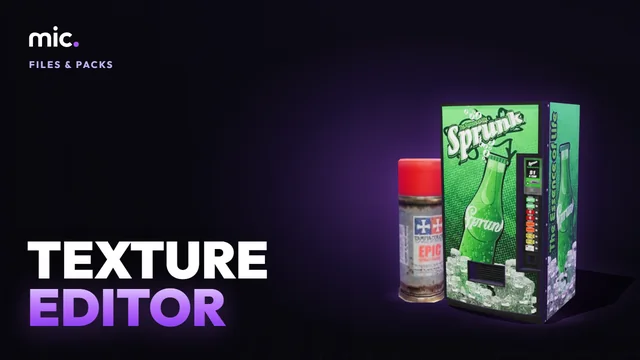 Texture EditorOpen a .ytd (or a model with textures inside): replace textures with your pictures, remove or add them, shrink them all to lighten a pack.
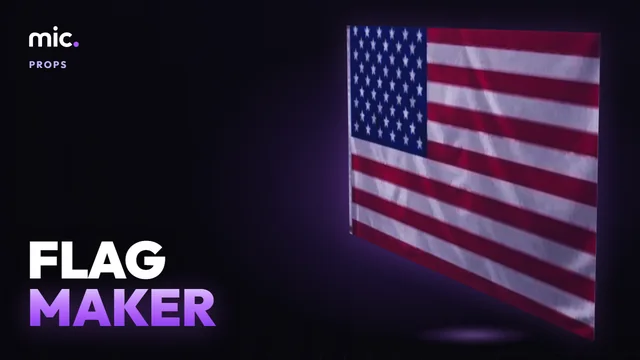 Flag MakerTurn a logo into a flag that waves in the wind: a copy of a game flag, or a flag or banner of any size with its cloth made for it.
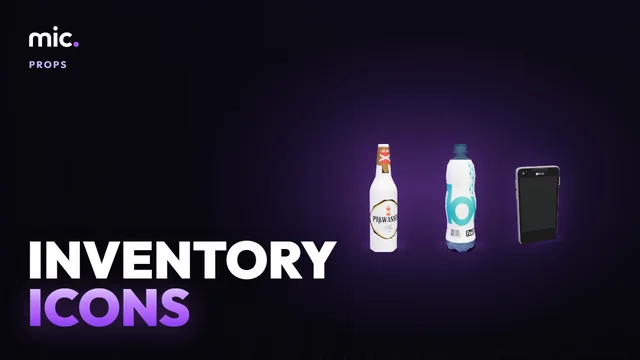 Inventory IconsRender clean item icons for ox, QB and QS inventories from any prop or GLB: transparent, framed and lit the same every time.
Other props tools: GLB to Prop · AI Prop Creator · Prop to YTYP · Prop Finder · YDR Animation · Model Inspector · YTYP Editor · Flag Maker · Door Maker · Prop Lights · Prop Collision Editor · Prop LOD Builder · YDR Model Editor · Inventory Icons · Cable Builder