Animated Props for FiveM (YDR + YCD Maker)
Make a prop that moves by itself: pick its moving parts in a GLB (blades, signs, lights), how they spin, swing, bob or slide, and get it built like the game's animated props.
Loading YDR Animation…
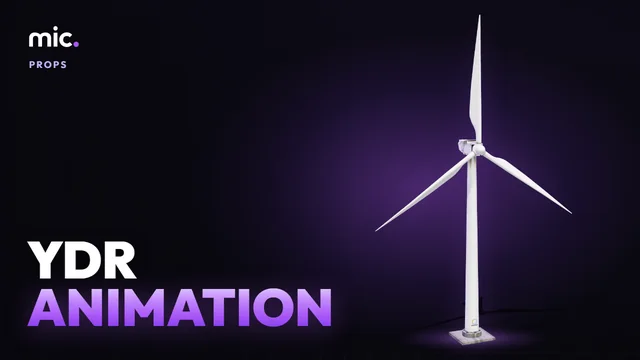
Animated props for FiveM: spinning, swinging, sliding
Make a GTA V prop that moves on its own, like the game's fans, windmills and rotating signs. Drop a .glb, split it into pieces if it is one object, and pick how each moving part spins, swings, bobs or slides.
The tool builds it the way Rockstar's animated props are: a .ydr with a bone for each moving part, its .ycd animation and a .ytyp, in a FiveM resource with an example.lua that spawns it and plays the animation.
How YDR Animation works
- Drop a .glb. One object? Split it here into its pieces.
- Pick the parts that move, and how they spin, swing, bob or slide.
- Size it by the ped, name it and download the FiveM resource.
You get: A FiveM resource with the animated .ydr, its .ycd and .ytyp, and an example.lua.
Every tool is free to try: 5 exports a day, files up to 25 MB. The paid plans raise the limits. See the plans.
Questions
- How do I make a rotating prop in FiveM?
- Drop the model, pick the part that turns, set its axis and speed, and download. The example.lua shows the natives that start the animation.
- Do I need Blender to animate a prop?
- No. The parts, their pivots and the motion are set here, and the .ycd is written for you.
- Can I animate a vehicle part instead?
- Yes, with Vehicle Animation: roofs, ramps and other bones of a car.
In GTA Explorer
- prop_windmill_01: a game prop that turns by itself, like the ones this tool makes
- GTA V props and map models: more game props to copy the idea from
Related tools
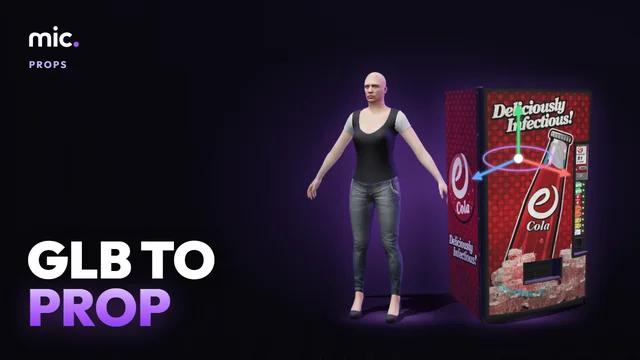 GLB to PropTurn a GLB into a streamable prop (.ydr, .ytd, .ytyp). Size it next to a freemode ped, set its pivot, download a FiveM resource.
 Prop LightsPut real lights in a prop: point or spot, colour, strength, reach and flicker, placed in 3D. For street lamps, neons and signs.
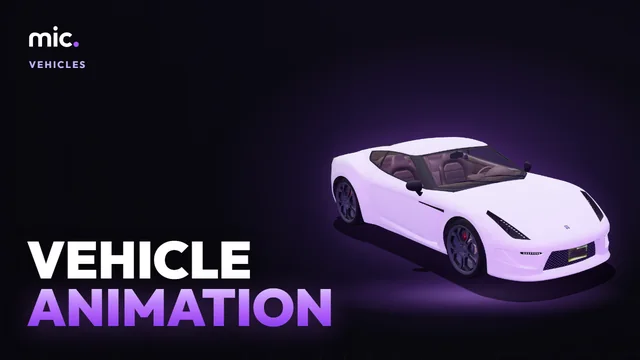 Vehicle AnimationFold a convertible roof, open a ramp, spin a part: turn and slide a vehicle's own bones on a timeline and save the clip (.ycd) with its vehicles.meta lines.
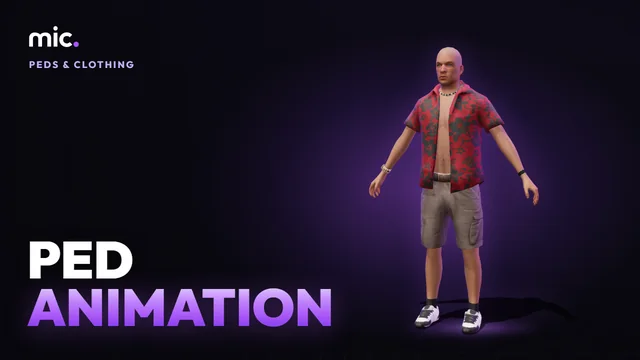 Ped AnimationPut a Mixamo animation (a dance, an idle, a gesture) on the freemode ped, watch it play here, and get it as a .ycd for TaskPlayAnim and emote menus.
Other props tools: GLB to Prop · AI Prop Creator · Prop to YTYP · Prop Finder · Model Inspector · YTYP Editor · Prop Reskin · Flag Maker · Door Maker · Prop Lights · Prop Collision Editor · Prop LOD Builder · YDR Model Editor · Inventory Icons · Cable Builder