YTD Editor Online: Replace and Resize Textures
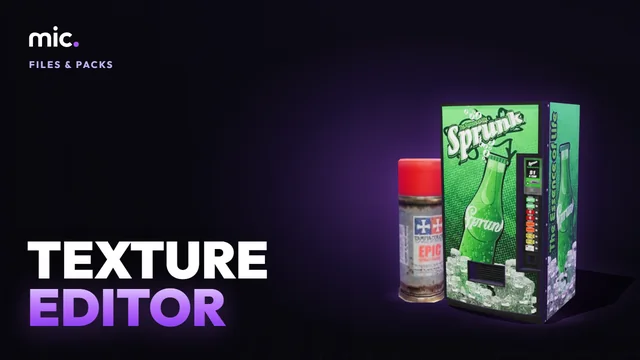
Open a .ytd (or a model with textures inside): replace textures with your pictures, remove or add them, shrink them all to lighten a pack.
Loading Texture Editor…
Edit YTD texture dictionaries online
Texture Editor opens a .ytd, or a .ydr, .yft or .ydd with textures inside. Replace textures with your pictures, add or remove them, or shrink them all at once to lighten a pack.
The file comes back under its own name, compressed and with mipmaps.
How Texture Editor works
- Drop a .ytd, or a .ydr, .yft or .ydd with textures inside.
- Replace, remove or add textures, or shrink them all.
- Download the file back under its own name.
You get: The same file with your textures in it, compressed and with mipmaps.
Every tool is free to try: 5 exports a day, files up to 25 MB. The paid plans raise the limits. See the plans.
Questions
- How do I edit a .ytd file?
- Drop it here, click a texture to replace it with your picture and download the .ytd.
- Can I reduce texture size?
- Yes, shrink them all here, or a whole pack with the Asset Optimizer.
- My model shows white or purple
- It cannot find a texture: see the Missing Textures Check.
Guides
In GTA Explorer
- GTA V UI texture dictionaries: the game's UI texture dictionaries
- GTA V props and map models: game props with their texture dictionary named
Related tools
 Asset OptimizerShrink oversized textures across a whole pack at once, rebuild the ones saved without mipmaps, and see what each file costs.
 Missing Textures CheckFind the textures behind white, pink or purple models: every texture a resource's models take, looked for the way the game does, with a fix for each.
 Texture DedupeFind the textures a pack repeats across its .ytd files and move them into one shared dictionary, to cut the memory it streams.
 Prop ReskinCopy any game prop (or your own) under a new name with its textures repainted or swapped: a new addon prop, the original left alone.
Other files & packs tools: Particle FX · Audio Tool · Addon Weapons · Legacy to Enhanced · RPF Reader · DLC to FiveM · FiveM to DLC · RPF Writer · XML Converter · Manifest Builder · Server Budget · Name Clash Check · Texture Dedupe · Missing Textures Check · Hash Tool · Asset Optimizer · Asset Photo Studio