Vehicle Animation Maker (.ycd) for FiveM
Fold a convertible roof, open a ramp, spin a part: turn and slide a vehicle's own bones on a timeline and save the clip (.ycd) with its vehicles.meta lines.
Loading Vehicle Animation…
Animate vehicle parts: convertible roofs, ramps, doors
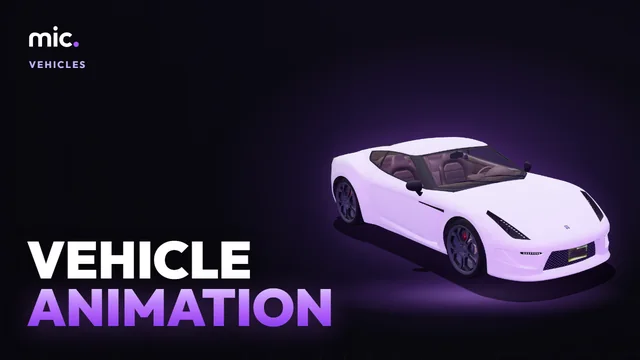
Vehicle Animation turns and slides a vehicle's own bones on a timeline: fold a convertible roof, lower a ramp, spin a radar. Play it on the 3D car while you build it.
Download the .ycd clip and copy its vehicles.meta lines, or the Lua that plays it on demand.
How Vehicle Animation works
- Drop the car's .yft, or type the name of a game car.
- Pick a part, add turns and slides, and play them.
- Download the clip (.ycd) and copy its vehicles.meta lines or Lua.
You get: A .ycd clip, with the vehicles.meta lines or the Lua that plays it.
Every tool is free to try: 5 exports a day, files up to 25 MB. The paid plans raise the limits. See the plans.
Questions
- How do I make a convertible roof animation?
- Pick the roof's bones, add turns and slides on the timeline, download the .ycd and copy the vehicles.meta lines shown with it.
- Can I animate any vehicle?
- Any car whose parts are separate bones. See its bones in the YFT Part Workbench.
- What about animated props?
- Use YDR Animation.
In GTA Explorer
- GTA V vehicles: game cars with moving parts (roofs, ramps, doors)
- GTA V animations: the game's animation dictionaries, vehicle clips among them
Related tools
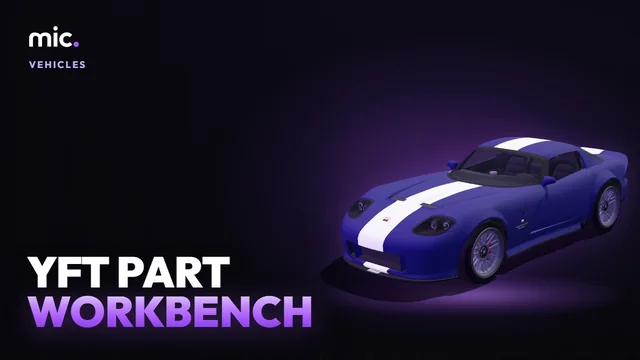 YFT Part WorkbenchSee a vehicle's parts: every bone by kind (doors, lights, sirens, extras, mod bones), how much hangs on each, and what a road car has that it lacks.
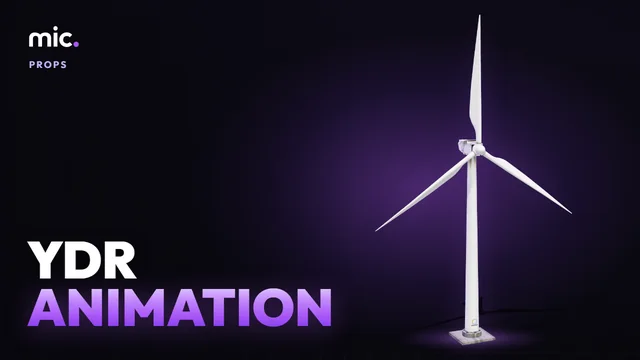 YDR AnimationMake a prop that moves by itself: pick its moving parts in a GLB (blades, signs, lights), how they spin, swing, bob or slide, and get it built like the game's animated props.
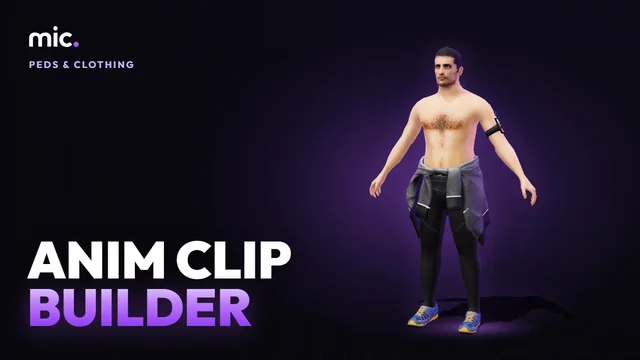 Anim Clip BuilderWatch any .ycd's clips play on the freemode ped, then make new ones: renamed, cut, faster or slower, in one dictionary of your own, with the code to play them.
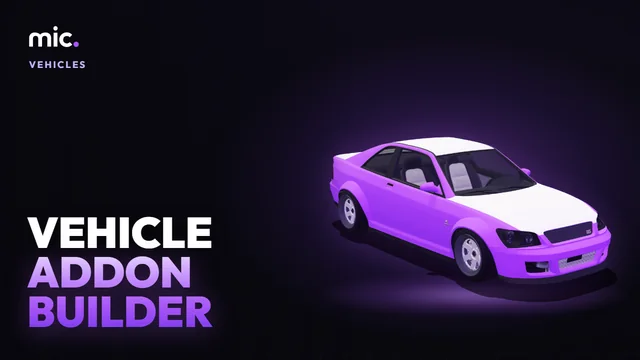 Vehicle Addon BuilderTurn a loose .yft into a whole addon car: vehicles.meta, handling, carvariations and its name, from a similar game car you pick.
Other vehicles tools: Handling Editor · Vehicle Addon Builder · YFT Livery Creator · Livery Studio · Vehicle UV Mapper · Mod Kit Builder · Sirens Builder · Vehicle Lights · Vehicle Armour · YFT Part Workbench · Siren ID Check · Vehicle Pack Check · Vehicle Pack Merger · Vehicle LOD Builder