GTA 5 Vehicle Lights Editor: Headlight Colours
Make a vehicle's light setting from one of the game's 77: headlight, tail, indicator and reversing colours, brightness, reach and beam shape.
Loading Vehicle Lights…
Change headlight and tail light colours in GTA 5
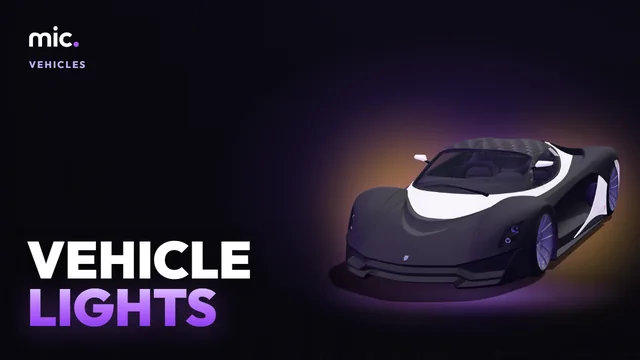
Vehicle Lights builds a car's light setting from one of GTA V's 77: the colour, brightness and reach of the headlights, tail lights, indicators and reversing lights, and the beam's shape.
Download carcols.meta with the setting and put its id in the car's carvariations.meta.
How Vehicle Lights works
- Start from one of the game's light settings.
- Change the colour, brightness and reach of each light.
- Download carcols.meta and put the id in the car's carvariations.meta.
You get: carcols.meta with your light setting, and the line for carvariations.meta.
Every tool is free to try: 5 exports a day, files up to 25 MB. The paid plans raise the limits. See the plans.
Questions
- How do I change headlight colour in FiveM?
- Start from a game light setting, change the headlight colour and download carcols.meta for the car's resource.
- Can I make the headlights reach further?
- Yes, each light has its reach and brightness.
- What about emergency lights?
- Those are sirens: use the Sirens Builder.
In GTA Explorer
- GTA V vehicles: the game cars, to see their lights in 3D
Related tools
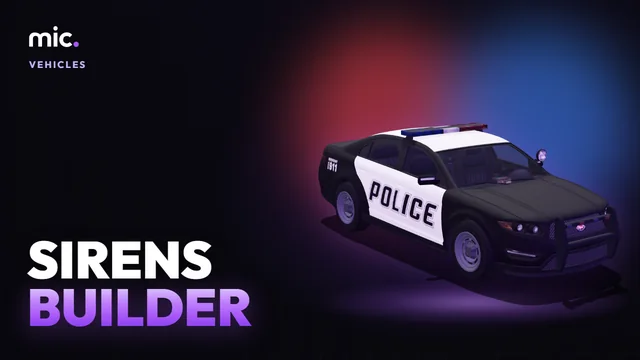 Sirens BuilderBuild an emergency light pattern step by step for each of the 20 siren lights, watch it flash, and export carcols.meta.
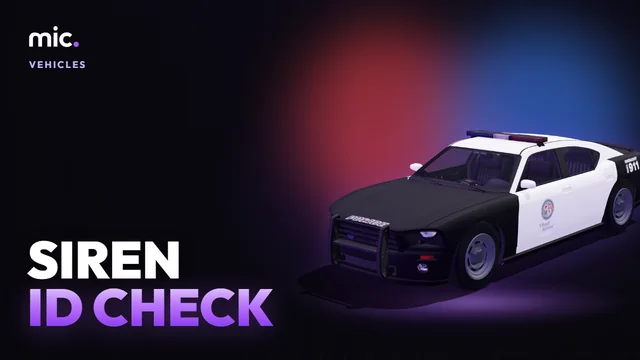 Siren ID CheckCheck the siren, mod kit and light ids of every vehicle pack against the game and each other, and get them fixed.
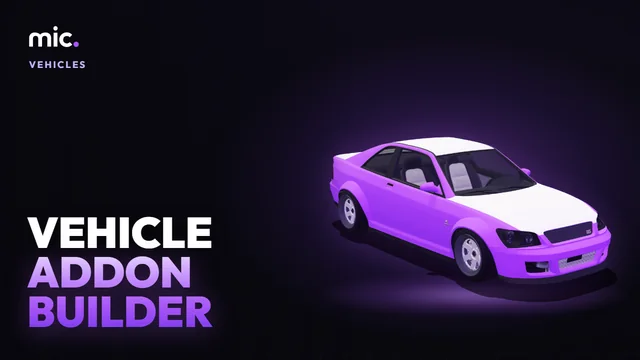 Vehicle Addon BuilderTurn a loose .yft into a whole addon car: vehicles.meta, handling, carvariations and its name, from a similar game car you pick.
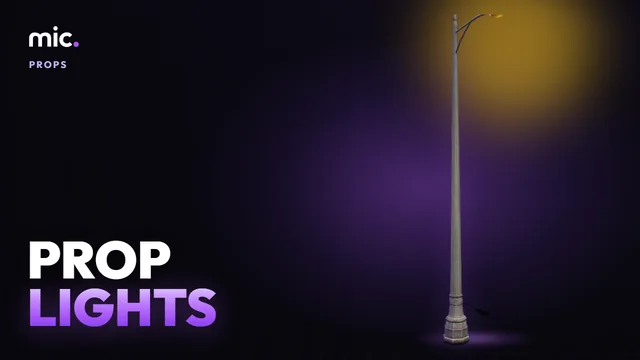 Prop LightsPut real lights in a prop: point or spot, colour, strength, reach and flicker, placed in 3D. For street lamps, neons and signs.
Other vehicles tools: Handling Editor · Vehicle Addon Builder · YFT Livery Creator · Livery Studio · Vehicle UV Mapper · Mod Kit Builder · Sirens Builder · Vehicle Armour · Vehicle Animation · YFT Part Workbench · Siren ID Check · Vehicle Pack Check · Vehicle Pack Merger · Vehicle LOD Builder