FiveM 3D Logo Maker: Server Logo as a Prop
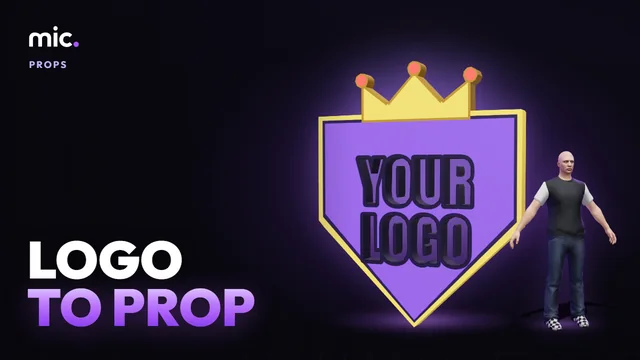
Turn your server's logo into a prop: the background taken away, a flat sign or a cut-out with depth, at your size, glowing at night if you like.
Loading Logo to Prop…
Your server logo as a FiveM prop, in 3D
A server's logo on a wall, over the door of its club or on a roof makes a city feel like its own. Making one is usually a job for a freelancer or an evening in Blender: take the background away, trace the outline, give it depth, export it, convert it with CodeWalker, make a .ytyp and set up the glow.
Logo to Prop does it in the browser. Drop the logo: a plain background is taken away (white snow or shine inside the logo stays), and a tap or a brush fixes the rest. Pick a flat sign or a cut-out with depth, its height in metres, and a glow that is always on or only at night, and check it next to a ped by day and by night. The download is a FiveM resource with the prop, its texture, its collision and .ytyp, and an optional spawn script.
How Logo to Prop works
- Drop your logo: a plain background is taken away; tap or brush to fix it.
- Pick a flat sign or a cut-out with depth, its height, and a glow.
- Check it by the ped, by day and night, then download the FiveM resource.
You get: A FiveM resource with the logo prop (model, texture, .ytyp), its glow, and an optional spawn script.
Logo to Prop is a Creator tool: opening it, every option and the 3D preview are free; downloading what you make needs Creator or the 7-day Pass. See the plans.
Questions
- How do I put my server logo in FiveM?
- Drop the logo here, choose its size and depth, name it and download the resource. Ensure it, then place it in your map (.ymap) or use /yourname in game from the optional spawn script.
- Does it remove the background?
- Yes. A plain background (white, black or one colour) is taken away from the edges inward, so white inside the logo stays. A PNG that is already see-through is kept as it is. Tap an area or brush over it to fix what is left.
- Can the logo glow at night?
- Yes. Pick At night: the glow is a second model that the game shows from 20:00 to 05:59, in a map or from the spawn script. Always keeps it lit all day; Only the bright parts lights only the logo's light colours.
- Is it a flat sign or 3D?
- Both: a flat sign is the picture cut to its shape on a thin board, light for the game; a cut-out with depth is the outline made solid, 1 to 100 cm deep, the picture on its front and back.
- Can I use any logo?
- Use only logos you own or have the rights to: your own server's, gang's or club's, not real brands or other servers' logos.
- Can I make other 3D objects from a picture?
- For an object rather than a flat logo, use AI Prop Creator. For a logo waving on a pole, use Flag Maker.
- Is Logo to Prop free?
- You can open Logo to Prop, try every option and see the result in the 3D preview for free, signed in with Discord. Downloading the resource needs the Creator plan or the 7-day Pass. The other tools have 5 free exports a day.
In GTA Explorer
- GTA V props and map models: the game's own signs and boards, to size your logo against
- GTA V timecycle modifiers: how the game's nights look, where a glowing logo shows most
Related tools
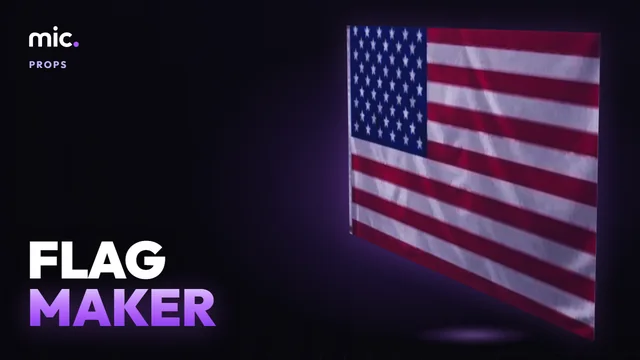 Flag MakerTurn a logo into a flag that waves in the wind: a copy of a game flag, or a flag or banner of any size with its cloth made for it.
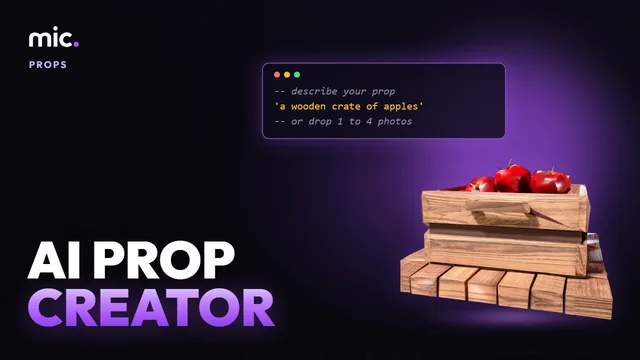 AI Prop CreatorDescribe an object or drop photos of it, and AI makes it in 3D in about two minutes, ready to turn into a GTA prop.
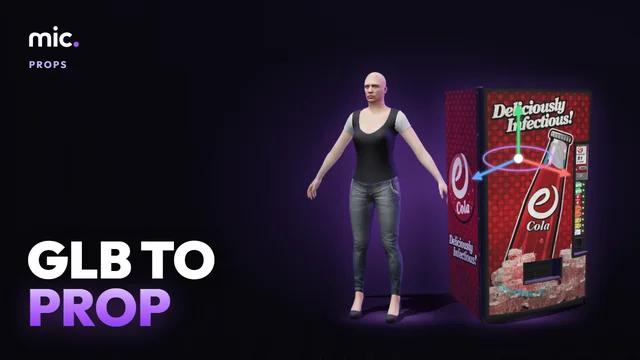 GLB to PropTurn a GLB into a streamable prop (.ydr, .ytd, .ytyp). Size it next to a freemode ped, set its pivot, download a FiveM resource.
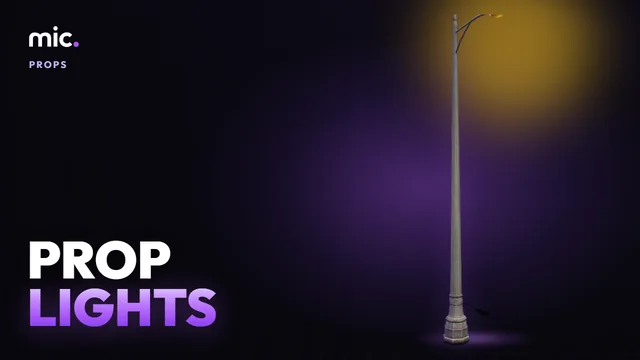 Prop LightsPut real lights in a prop: point or spot, colour, strength, reach and flicker, placed in 3D. For street lamps, neons and signs.
Other props tools: GLB to Prop · AI Prop Creator · Prop to YTYP · Prop Finder · YDR Animation · Model Inspector · YTYP Editor · Prop Reskin · Flag Maker · Door Maker · Prop Lights · Prop Collision Editor · Prop LOD Builder · YDR Model Editor · Inventory Icons · Cable Builder