Maps & collisions · 3 min read
How to turn a house into a walkable MLO without CodeWalker
Read in: Español · Français · Deutsch · Português · Italiano · Polski · Türkçe · Русский
An MLO is a real interior: you walk in through the door, the inside is there, and the street is still outside the windows. It is what every roleplay server wants for its houses, shops and police stations. Making one usually means modelling the inside in Blender, then building the rooms and portals by hand in CodeWalker.
What an MLO is made of
- Rooms, each a box with the models inside it, plus the outside (the game calls it limbo).
- Portals between rooms, and between rooms and the outside, through the doorways and windows. The game draws a room's contents through its portals.
- Collision with room ids: the game knows which room a player is in from the collision under their feet.
- An archetype in a
.ytypthat holds the rooms and portals, and an instance in a.ymapthat places the interior on the map.
The game's own houses work the same way: the outside is one model, and the interior is a separate instance placed with it.
Make one from a house
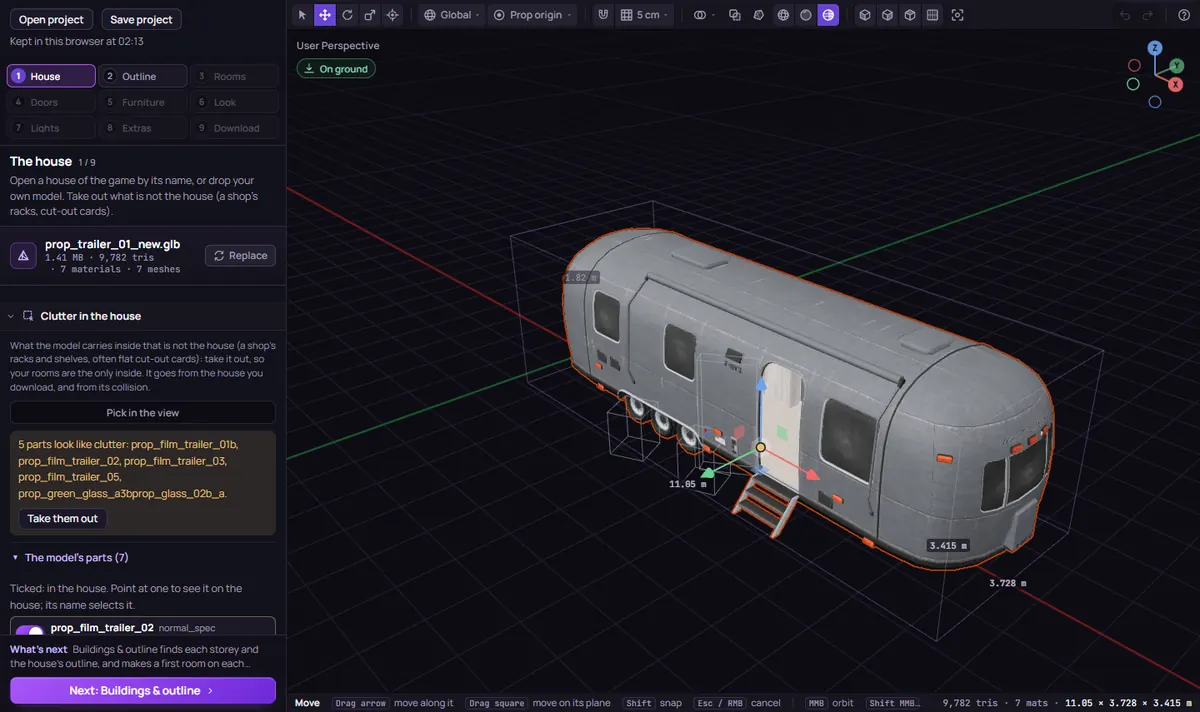
MLO Creator takes the house and makes the inside for you, in nine phases, each with its own panel:
- The house. Drop a
.glb, or a.ydror.yftwith its.ytd, or open one of the game's houses, cabins or trailers. An empty house works best: the inside is made for you. - Buildings & outline. The storeys and the outline are measured from the model; adjust them.
- Floors & rooms. Split the floors into rooms, or start from one of ten templates (garage, 24/7 shop, clothes shop, apartment, two-storey house, office, police front desk, bar, warehouse, gym).
- Doors & windows. The house's doors and windows are found by themselves, each as a card to accept; or pick them on the house, or draw them on a wall.
- Furniture, Look, Lights & sound and Extras (elevators and teleports, door locks for ox_doorlock or qb-doorlock): all optional.
- Check & download. Name it, set where it goes on the map (from the game's own placement of that house, or pasted from CodeWalker), choose whether to hide the game's house there, then Preview the result and Walk inside to check it before you download.
The download is a FiveM resource: the .ytyp with the interior, the .ymap, the collision with its room ids, a model per room, the house itself, and the Lua for its doors and for hiding the game's house. Add ensure <name> and restart the server.
Start the server with the MLO in it, or restart it: an interior added while players are already in can crash their game.
Two things that trip people up
- The game's own house is still there. Its collision and its occluders stay unless they are hidden; inside a game house they show up as invisible walls and a blank view out. MLO Creator takes them out of the copies it ships when you hide the game's house.
- Glass doors and windows. A closed door's portal normally hides what is behind it. With a glass door that shows as a blank view, so glass doors are left without that flag.
No house to start from? Shell Creator draws one from scratch on a floor plan, as a shell or an MLO. To look at any MLO resource in 3D, rooms, portals and collision included, open it in the Resource Viewer.
Limits
Up to 4 storeys, 24 rooms, 120 doors and windows, and 64 m across per building, with up to 8 buildings in one download. The interior designer's materials, custom lights, elevators and teleports, and the layer editor on the house's own textures are Creator plan functions; the rest, the preview and the performance check are free to try.
Questions
- MLO or shell: what is the difference?
- A shell is a separate model somewhere out of sight that players are teleported into. An MLO is the inside of the building itself, at its place on the map, with the street outside the windows.
- Do I need CodeWalker?
- No. It is only one of the ways to give the MLO its spot: paste a position from it, or take the game's own placement of the house.
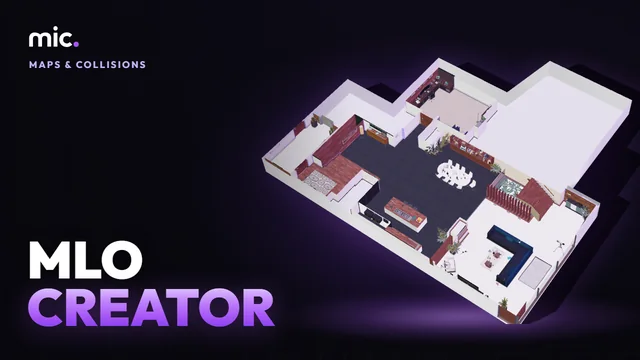
The tool for this
MLO Creator
Drop a house model or open one of the game's: rooms, doors and windows are made for you, and you download a real interior with its collision and portals.
Open MLO CreatorAlso useful here: Shell Creator · Resource Viewer