Maps & collisions · 3 min read
FiveM MLO walls missing or flickering? Find the map conflict
Read in: Español · Français · Deutsch · Português · Italiano · Polski · Türkçe · Русский
You add one more MLO and an older one loses its floor. Walls vanish when you walk in, props flicker, players fall through a room. On a server with dozens of maps the usual advice is to start a clean server and add them back one by one. It works, but it takes an evening. Most of these problems are two map resources clashing, and the clash is in their files.
How two maps clash
- The same file twice. Two resources stream a file of the same name (a
.ymap,.ytyp,.ybn…). Only one of them loads: the one whose resource started last (and a restart makes it the last again). - The same game map replaced twice. Two resources each replace one of the game's own map files; one of them loses.
- Two interiors in one place. Two MLOs placed over each other fight over the rooms, portals and collision: walls vanish and peds fall through.
- An MLO over one of the game's interiors, or another resource's objects placed inside an MLO.
- The same archetype defined twice, or an object placed twice in the same spot.
- Collisions cut into each other. Two maps' collision triangles cross or lie on top of each other: players and cars snag, get stuck or fall through.
There are subtler ones too. The game uses DLC copies of some of its maps, so editing the base copy of one of those may show nothing in game; and the game's own collisions overlap among themselves, so comparing collision files naively finds clashes everywhere.
Find them in one drop
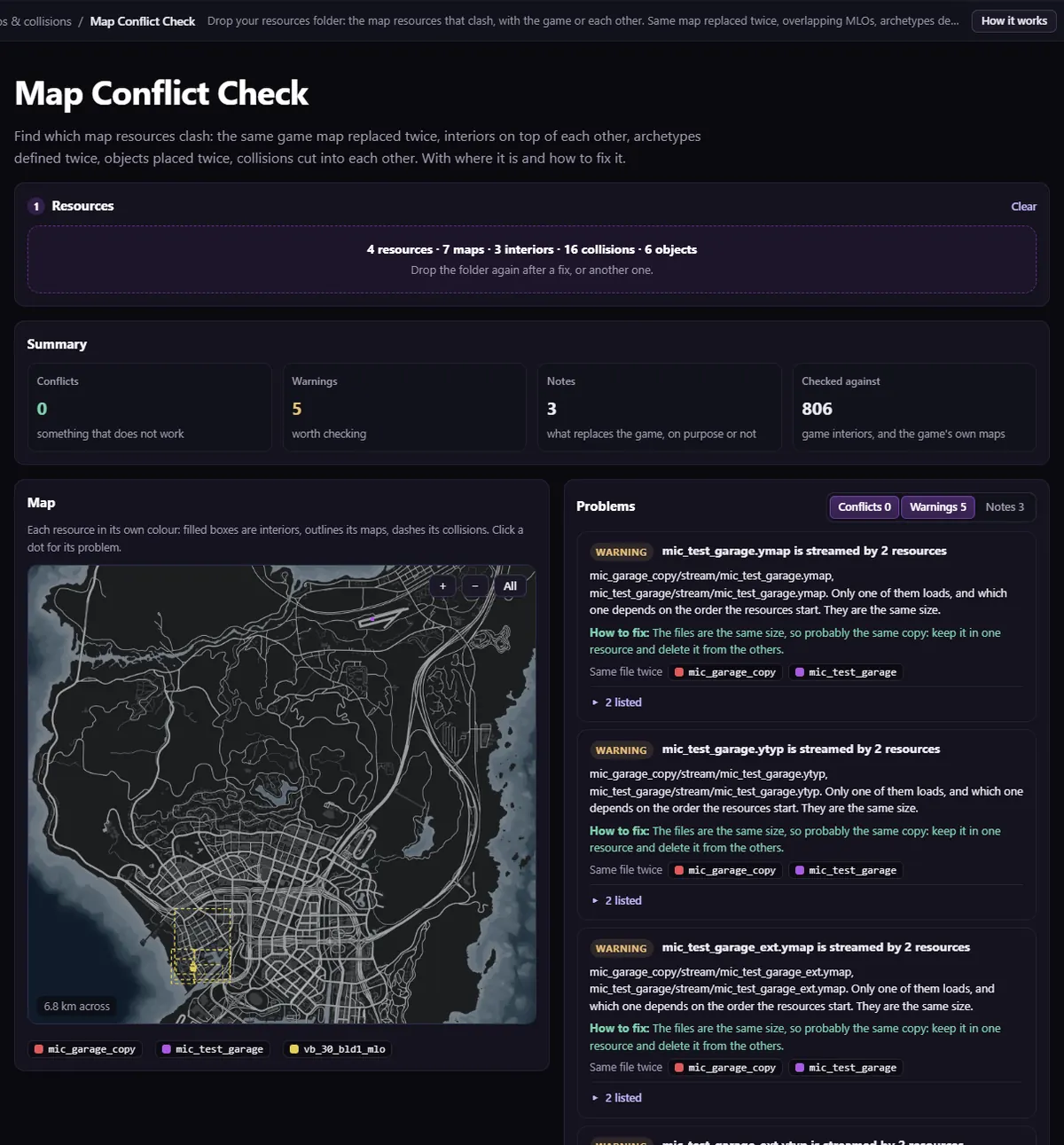
Drop your whole resources folder (or a few resources, or a .zip of them) into Map Conflict Check. Only the map files (.ymap, .ytyp, the manifests and the collisions whose boxes meet) are sent; models and textures stay on your computer. It is free (you sign in with Discord).
- Read the Summary, then Try the server without these first: the resources in the most conflicts.
- Go through the problems by level: Conflicts, Warnings, Notes. Each one names the resources and files involved, says what it does in game, and how to fix it.
- Press On map to see where it is on the radar map: interiors are filled boxes, maps outlines, collisions dashes.
- Filter by resource, or read the By resource table. Download the report (.csv) for the full list.
- Fix, drop the folder again, and check that the list got shorter.
Fixing what it finds
- Same file twice: keep one of the resources, or rename one file and what points at it.
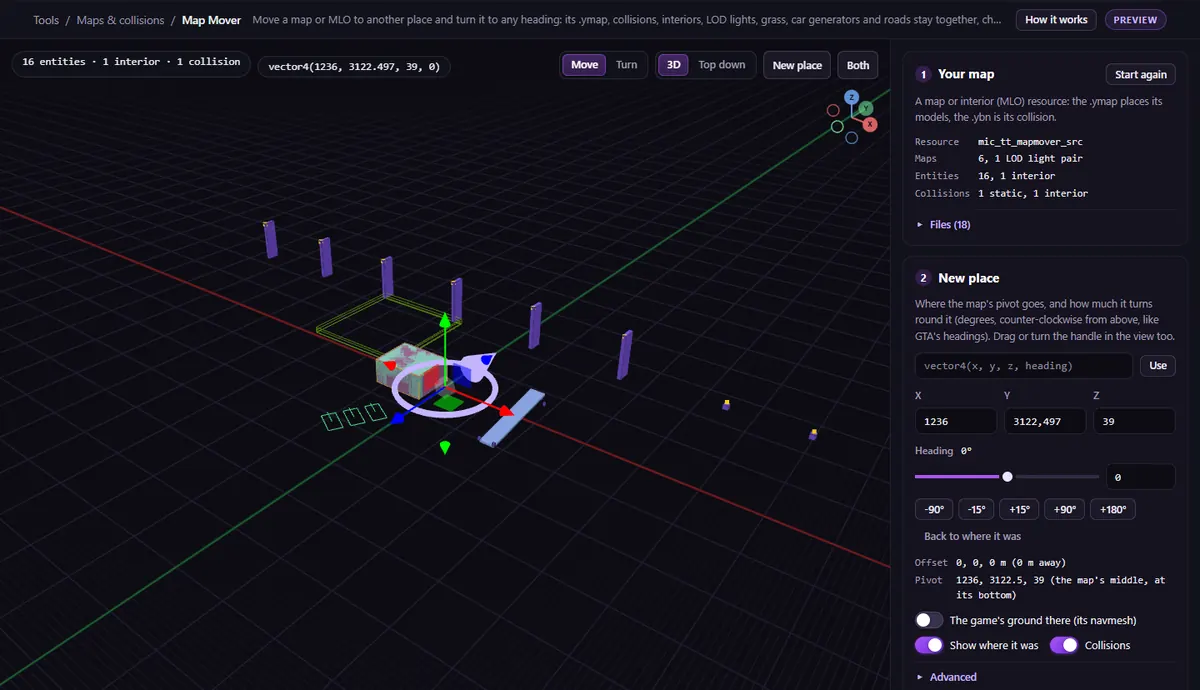
- Two interiors in one place: keep one, or move one somewhere else. Map Mover moves a whole map or MLO with its collision, LOD lights and the rest (its download is a Creator plan export) (how to move an MLO).
- Collisions cut: usually two maps built on the same spot; keep the one you want there.
To look at one resource on its own, in 3D as the game places it (interior, props, collision, portals), open it in the Resource Viewer.
What it cannot see
- Escrowed (encrypted) files: only their names are compared.
- Interior proxy order (
interiorproxies.meta) and occluder shapes against MLOs. - Anything that only happens in game: it reads files; it does not run the server.
Questions
- Two resources replace the same ymap. Which one wins?
- Only one loads: the one whose resource started last (a restart makes it the last again). Keep one, or merge what you need from both into one.
- Does it work with escrowed maps?
- Partly: their file names are compared, so two escrowed maps streaming the same file are still found, but their contents cannot be read.
The tool for this
Map Conflict Check
Drop your resources folder and get every clash between your maps and with the game: same files, overlapping MLOs, archetypes twice and cut collisions.
Open Map Conflict CheckAlso useful here: Map Mover · Resource Viewer