handling.meta Editor Online for FiveM Cars
Edit a handling.meta field by field, each explained, compared with any of the game's 800+ vehicles, and download it back.
Loading Handling Editor…
Edit handling.meta with every field explained
Handling Editor opens a handling.meta and shows every field (mass, traction, suspension, gears, top speed…) with what it does in plain words, next to the value of any of the 800+ GTA V vehicles you pick to compare.
Start from your file or from a game car, change what you want and download the same handling.meta for your FiveM resource.
How Handling Editor works
- Drop your handling.meta, or start from a game car.
- Change the fields you want: each is explained, next to another car's value.
- Download the handling.meta and put it in your FiveM resource.
You get: The same handling.meta with your changes, ready for your FiveM resource.
Every tool is free to try: 5 exports a day, files up to 25 MB. The paid plans raise the limits. See the plans.

Questions
- How do I make a car faster in FiveM?
- Raise fInitialDriveForce (acceleration) and fInitialDriveMaxFlatVel (top speed), and check traction so it still grips. Each field is explained here.
- Can I compare with a real game car?
- Yes, pick any game vehicle and its values sit next to yours.
- I have a .yft but no metas
- The Vehicle Addon Builder writes its vehicles.meta, handling.meta and carvariations.meta.
Guides
In GTA Explorer
- GTA V vehicles: pick the game car whose handling to start from
- Adder: a super car to compare a fast car with
- GTA V engine sounds: the game's engine sounds, to match the handling
Related tools
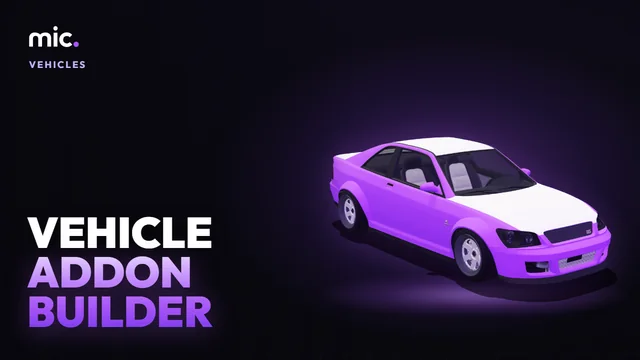 Vehicle Addon BuilderTurn a loose .yft into a whole addon car: vehicles.meta, handling, carvariations and its name, from a similar game car you pick.
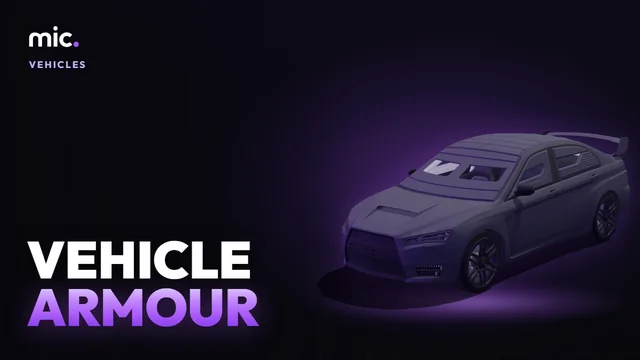 Vehicle ArmourMake a car's windows bulletproof one by one, the way the armoured Kuruma's are, and its tyres unburstable from the start, with no tuning upgrade.
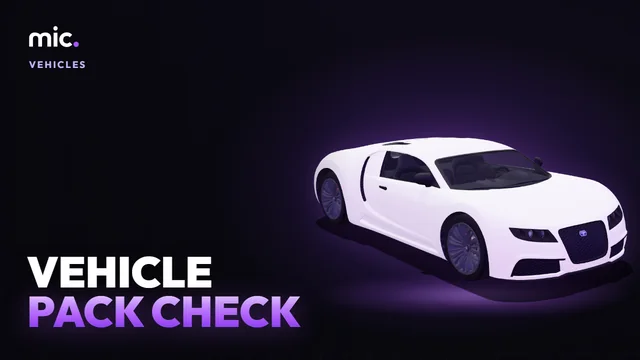 Vehicle Pack CheckFind missing meta files, wrong names and stream mistakes in a vehicle resource.
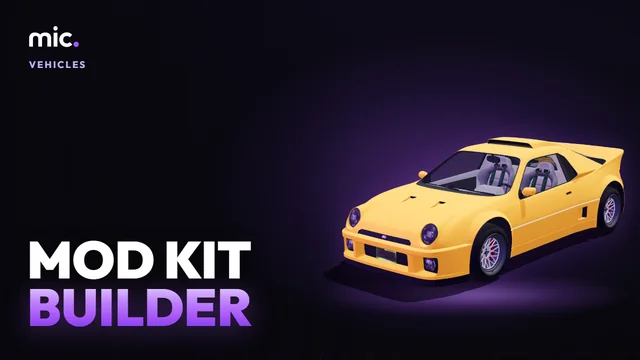 Mod Kit BuilderTurn a vehicle's tuning parts into its mod kit: each part's type, bone and the stock part it hides, the usual upgrades, carcols and carvariations linked.
Other vehicles tools: Vehicle Addon Builder · YFT Livery Creator · Livery Studio · Vehicle UV Mapper · Mod Kit Builder · Sirens Builder · Vehicle Lights · Vehicle Armour · Vehicle Animation · YFT Part Workbench · Siren ID Check · Vehicle Pack Check · Vehicle Pack Merger · Vehicle LOD Builder