YCD Viewer and Animation Clip Editor
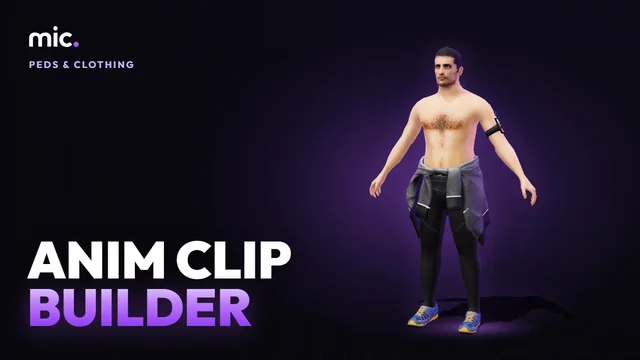
Watch any .ycd's clips play on the freemode ped, then make new ones: renamed, cut, faster or slower, in one dictionary of your own, with the code to play them.
Loading Anim Clip Builder…
Watch and edit GTA 5 animations (.ycd)
Anim Clip Builder plays any .ycd's clips on the freemode ped: drop a dictionary or open one of the game's by name. Then make clips of your own: renamed, cut, faster or slower, collected in one dictionary.
Download the .ycd and copy the code that plays a clip from it.
How Anim Clip Builder works
- Drop .ycd animation dictionaries, or open one of the game's by name.
- Click a clip to watch it on the ped, then add, cut and speed it.
- Play your clips as made, name your dictionary and download it.
You get: One .ycd with your clips, and the code to play them.
Every tool is free to try: 5 exports a day, files up to 25 MB. The paid plans raise the limits. See the plans.
Questions
- How do I preview GTA 5 animations?
- Open a game dictionary by name or drop a .ycd, then click a clip to play it on the ped.
- Can I cut an animation?
- Yes, set its start and end, and its speed.
- Can I add Mixamo animations?
- Yes, with Ped Animation.
Guides
In GTA Explorer
- GTA V animations: every game dictionary and clip, to pick the ones to cut
Related tools
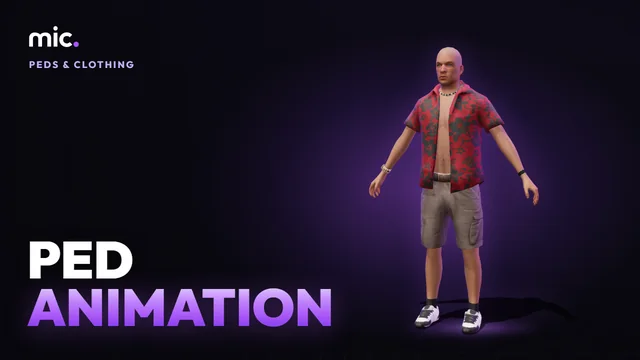 Ped AnimationPut a Mixamo animation (a dance, an idle, a gesture) on the freemode ped, watch it play here, and get it as a .ycd for TaskPlayAnim and emote menus.
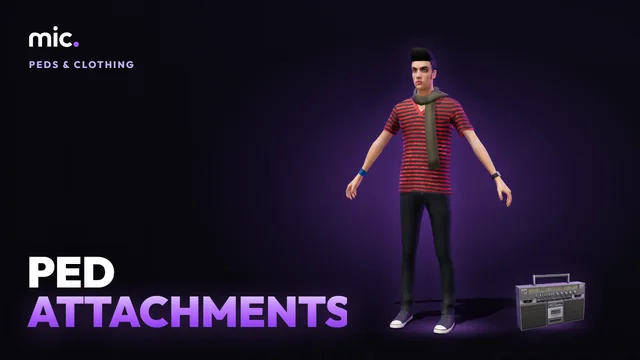 Ped AttachmentsPut a prop on a freemode bone with a gizmo and copy the offsets for AttachEntityToEntity, rpemotes or ox_lib.
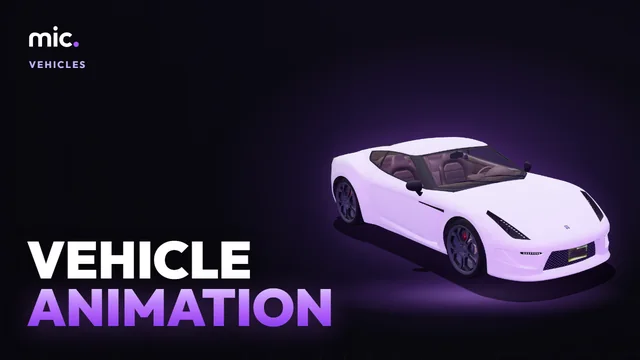 Vehicle AnimationFold a convertible roof, open a ramp, spin a part: turn and slide a vehicle's own bones on a timeline and save the clip (.ycd) with its vehicles.meta lines.
 Hash ToolTurn any name into its GTA hash (signed, unsigned, hex), and a hash back into the prop, vehicle, ped, bone or clip it names.
Other peds & clothing tools: Tattoo Creator · Cloth Physics · Build Clothes · Custom Chain Creator · Customize Cloth · Ped Attachments · YDD to Addon Ped · Ped Animation · Clothing Merger · Clothing Pack Check · Outfit Builder · YMT Creator