fxmanifest.lua Generator for FiveM Resources
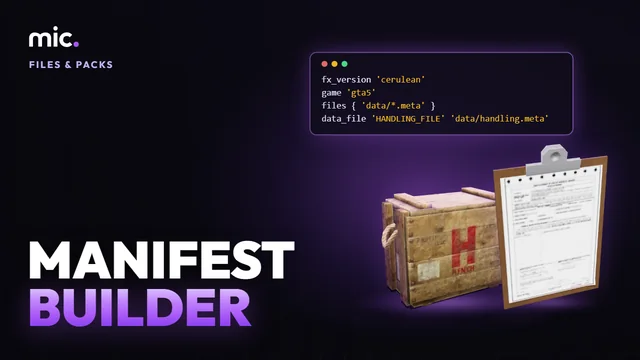
Drop a resource folder and get its fxmanifest.lua: the right data_file line for each meta, sounds, scripts and NUI, and your own manifest checked.
Loading Manifest Builder…
Generate a FiveM fxmanifest.lua from your resource
A car, clothing pack or weapon that "does not load" is very often its fxmanifest.lua: a data_file line missing, of the wrong type, or pointing at a file that is not there, or a meta left out of files { }. Every meta needs its own data_file type, and FiveM's list has 89 of them.
Manifest Builder reads your resource folder in the browser and writes the manifest from what is really there. Each meta gets its type from its root element, the one Rockstar's own DLC packs give that file; sounds get theirs from their names. Scripts are sorted by folder, the NUI page and its files are listed, and an old __resource.lua becomes an fxmanifest.lua. Your own manifest is checked line by line.
How Manifest Builder works
- Drop your FiveM resource folder, or its .zip.
- Read what is wrong with its manifest, and set the author and version.
- Copy or download the new fxmanifest.lua.
You get: An fxmanifest.lua with a reason for every line, made in your browser.
Every tool is free to try: 5 exports a day, files up to 25 MB. The paid plans raise the limits. See the plans.
Questions
- Which data_file does vehicles.meta need?
- VEHICLE_METADATA_FILE; handling.meta HANDLING_FILE, carcols.meta CARCOLS_FILE, carvariations.meta VEHICLE_VARIATION_FILE and vehiclelayouts.meta VEHICLE_LAYOUTS_FILE (before the vehicles). The builder reads each file's root element, so a renamed meta still gets the right one.
- How do I add a custom engine sound in the manifest?
- Its x_game.dat151.rel is AUDIO_GAMEDATA 'x_game.dat', x_sounds.dat54.rel AUDIO_SOUNDDATA 'x_sounds.dat', and the folder of .awc files AUDIO_WAVEPACK. The .rel and .awc files go in files { } too. The builder writes all of it.
- How do I convert __resource.lua to fxmanifest.lua?
- Drop the resource: its scripts and files are kept, fx_version 'cerulean' and game 'gta5' replace resource_manifest_version. Then delete __resource.lua.
- Do I still need lua54 'yes'?
- No. Since June 2025 every FiveM script runs on Lua 5.4, so the line does nothing.
- My car still does not spawn
- Check the files themselves with the Vehicle Pack Check, and names streamed twice with the Name Clash Check.
In GTA Explorer
- GTA V vehicles: the game's vehicles, that addon cars' metas start from
- GTA V engine sounds: the game's engine sounds, to hear one before you give a car its audio
Related tools
 Vehicle Pack CheckFind missing meta files, wrong names and stream mistakes in a vehicle resource.
 Name Clash CheckDrop your resources folder: the files, textures and archetypes two resources stream under one name, the ones named like the game's, and which copy wins.
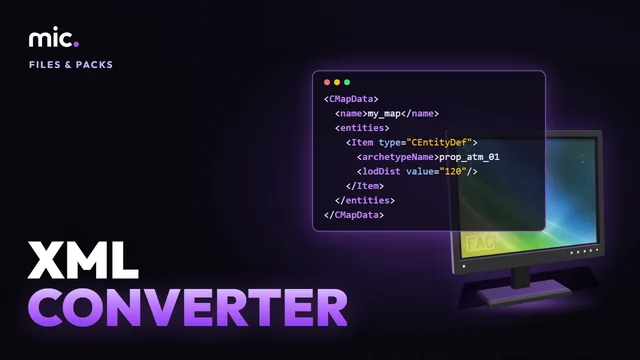 XML ConverterTurn .ymap, .ytyp, .ymt, .ybn, .ydr, .yft, .ytd and more into CodeWalker XML to read and edit, and XML back into game files. No CodeWalker, no Windows.
 DLC to FiveMTurn a dlc.rpf (vehicles, clothing, props, audio) into a FiveM resource: stream folder, clothing renamed, data_file lines from its content.xml.