Retexture FiveM Clothing: Colours and Logos
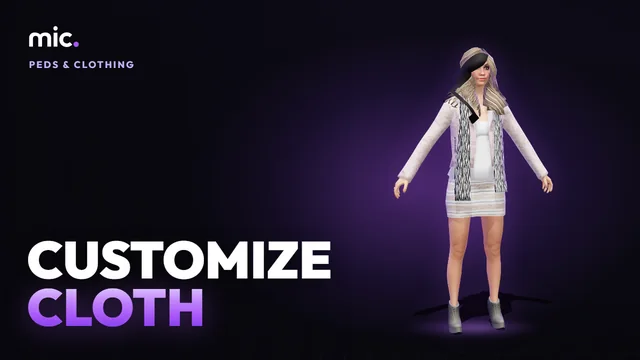
Recolour a piece of clothing and put logos and prints on it where you click, seen on the freemode body, saved as a new texture variation.
Loading Customize Cloth…
Recolour FiveM clothing and add logos
Customize Cloth opens a piece of clothing (its .ydd and .ytd) on the freemode body. Recolour it, and drop logos, patches and prints where you click, for gang jackets, police uniforms or brand shirts.
It is saved as a new texture variation, a new .ytd named as the piece's next variation, so the original stays.
How Customize Cloth works
- Drop a piece of clothing: its .ydd and its .ytd.
- Recolour it, and drop logos or prints where you click.
- Download it as a new texture variation.
You get: A new .ytd for the same clothing, named as its next variation.
Every tool is free to try: 5 exports a day, files up to 25 MB. The paid plans raise the limits. See the plans.
Questions
- How do I add a logo to clothing in FiveM?
- Drop the clothing's .ydd and .ytd, click where the logo goes and download the new texture variation.
- Does it change the model?
- No, only a new texture is added.
- How do I see the outfit's numbers?
- Use the Outfit Builder.
In GTA Explorer
- GTA V freemode clothing: pick the game piece to recolour
Related tools
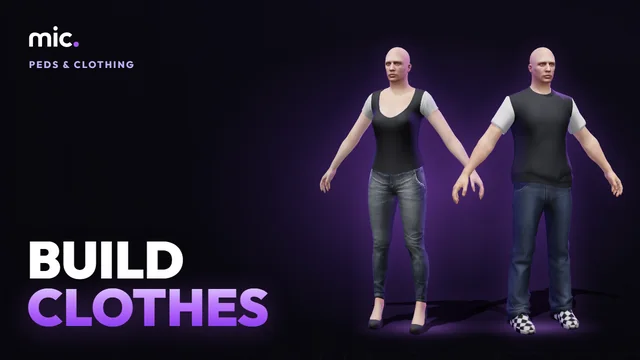 Build ClothesModel clothing (or a whole character) on the freemode body in any 3D app and get an addon pack or ped: the body's bone weights copied onto it.
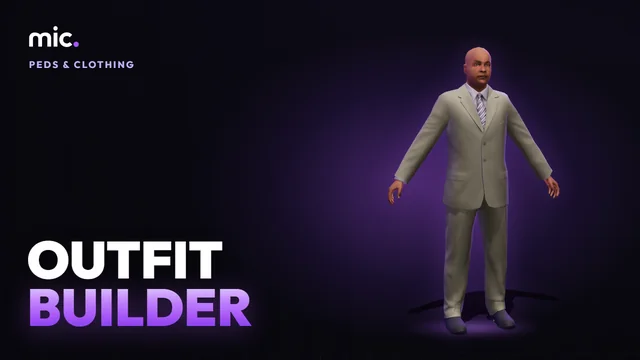 Outfit BuilderDress the freemode ped from the game's own clothes, piece by piece, and get the outfit as code or as ESX / QB outfit data.
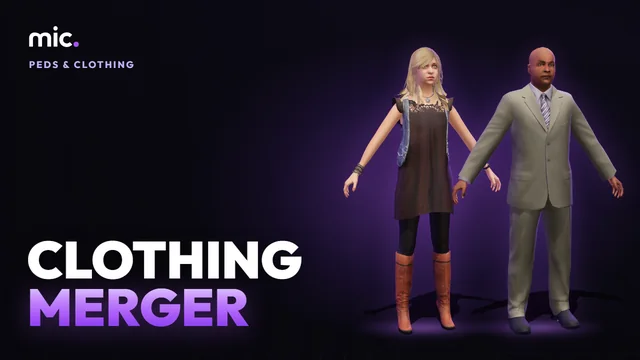 Clothing MergerJoin several FiveM clothing packs into one resource: drawables renumbered so nothing clashes, one .ymt per collection.
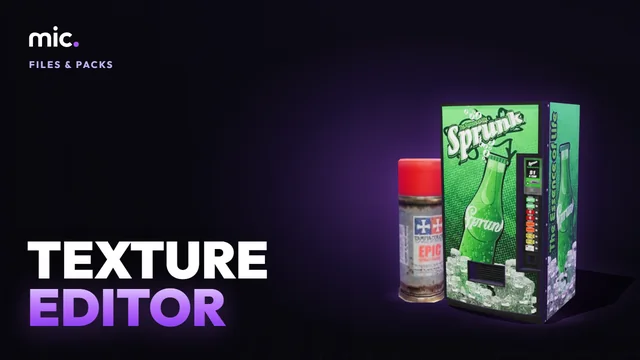 Texture EditorOpen a .ytd (or a model with textures inside): replace textures with your pictures, remove or add them, shrink them all to lighten a pack.
Other peds & clothing tools: Tattoo Creator · Cloth Physics · Build Clothes · Custom Chain Creator · Ped Attachments · YDD to Addon Ped · Ped Animation · Clothing Merger · Clothing Pack Check · Outfit Builder · Anim Clip Builder · YMT Creator